Kiwix APK for Android 2026 – Offline Wikipedia & ZIM Guide
Description
Kiwix APK lets Android users read large offline knowledge libraries without an active internet connection. Instead of loading every article from the web, Kiwix opens downloadable ZIM files that can contain Wikipedia, medical references, educational material, travel guides and other collections. This makes it useful for travel, study and places where mobile data is limited.
What Is Kiwix APK?
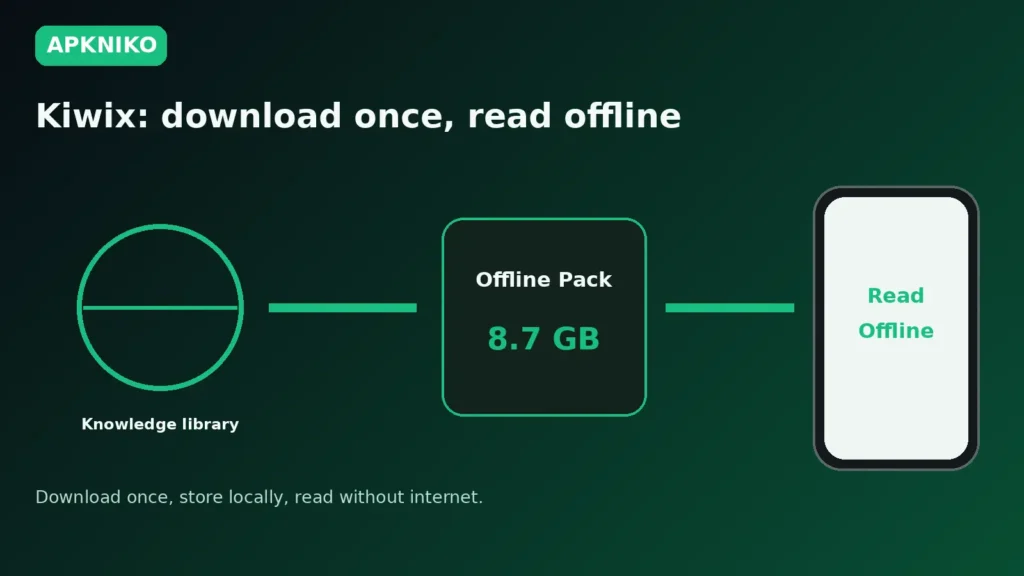
Kiwix is an offline reader built around the ZIM file format. A ZIM package stores website content in a compressed archive that Kiwix can browse locally. After the file is downloaded, you can search and read the included material without reconnecting to the internet.
The official Kiwix project provides Android downloads and explains that the Android app is available in different variants. The Play Store version and the full standalone version can differ in how they access files because of Android and Play Store storage rules. Always read the official download notes before choosing a build.
Official Kiwix Download Options
Start from the official Kiwix download pageDOWNLOAD APK. It lists Android APK and Google Play options along with other platforms. The project also maintains its Android source at GitHub.
Do not assume an APK mirror is official just because it uses the Kiwix name. If you install outside Google Play, verify the publisher and source first. Our Complete Guide to APK Downloads covers safer download checks.
How Offline Kiwix Libraries Work
1. Install the Kiwix reader
Install Kiwix from an official distribution option. If you use the standalone APK, Android may ask you to allow your browser or file manager to install unknown apps. Grant that permission only to the source you are using and remove it again afterward when appropriate. See our How to Install APK Files guide for the general process.
2. Choose a ZIM file
Kiwix libraries vary greatly in size. A small reference collection may fit easily on a phone, while a large encyclopedia can require several gigabytes. Check the file size before downloading and leave extra free storage for the download process and future updates.
3. Store the library safely
Choose a storage location you understand. The Kiwix Android project notes that Android storage restrictions can affect where files are visible, particularly between the Google Play and full standalone variants. If you keep large ZIM files on removable storage, test that Kiwix can still open them after a restart.
4. Read and search offline
Once a ZIM file is available to the app, articles can be opened locally. Search speed and loading time depend on your device, storage and library size, but no live connection is needed for the content already stored inside the archive.
Kiwix APK vs Google Play Version
The Kiwix Android project documents separate app variants. The Play Store version follows Play storage restrictions, while the full standalone build can provide broader file access. The application IDs are also separated so the two distribution paths do not overwrite one another unexpectedly.
Choose the version that matches how you plan to manage ZIM files. If you only use the in-app workflow, the Play version may be enough. If you need broader access to files stored elsewhere on the device, read the official documentation for the standalone build before switching.
Storage Tips for Large Offline Libraries
- Check the ZIM file size before starting a download.
- Keep free space beyond the listed file size.
- Use stable Wi-Fi for very large initial downloads when possible.
- Know whether the library is stored in app-specific or shared storage.
- Move important ZIM files before uninstalling if they are stored inside an app-managed directory.
The official Kiwix Android documentation warns that files in certain app directories can be removed when the app is uninstalled. Before removing Kiwix, verify where your large offline libraries are stored.
Kiwix APK Safety and Update Checks
Use an official download path and keep the app updated. If you sideload an update, confirm that it belongs to the same Kiwix variant you already installed. A different package or signing path can cause update conflicts. Our Complete APK Safety Guide explains source, signature and permission checks.
If Android refuses an update because of a signing conflict, do not uninstall immediately. First review APK Signature Mismatch Error on Android and protect any offline files you do not want to lose.
Who Is Kiwix Useful For?
Kiwix can be valuable for students, travelers, field workers, schools and anyone who wants reference material without depending on a connection. It is also useful as a backup knowledge library during network outages. The trade-off is storage: comprehensive offline collections can be very large.
Frequently Asked Questions
Can Kiwix read Wikipedia offline?
Yes. Wikipedia and many other collections are available as ZIM files that Kiwix can read without internet access after download.
Does Kiwix need internet every time?
No. Internet access is needed to obtain new libraries or updates, but stored ZIM content can be read offline.
Why are some Kiwix files so large?
A ZIM archive can contain thousands or millions of articles plus images and other assets. Larger collections require more storage.
Can I keep ZIM files on an SD card?
Support depends on the Android version, app variant and storage permissions. Check the official Kiwix Android storage guidance and test access before relying on removable storage.
Conclusion
Kiwix APK turns Android into a portable offline knowledge library. The best setup is simple: use the official app, choose ZIM files that fit your storage, understand where those files are saved, and protect them before uninstalling or switching app variants. For users with limited connectivity, that can make useful reference material available almost anywhere.