APK vs Play Store Apps
Description
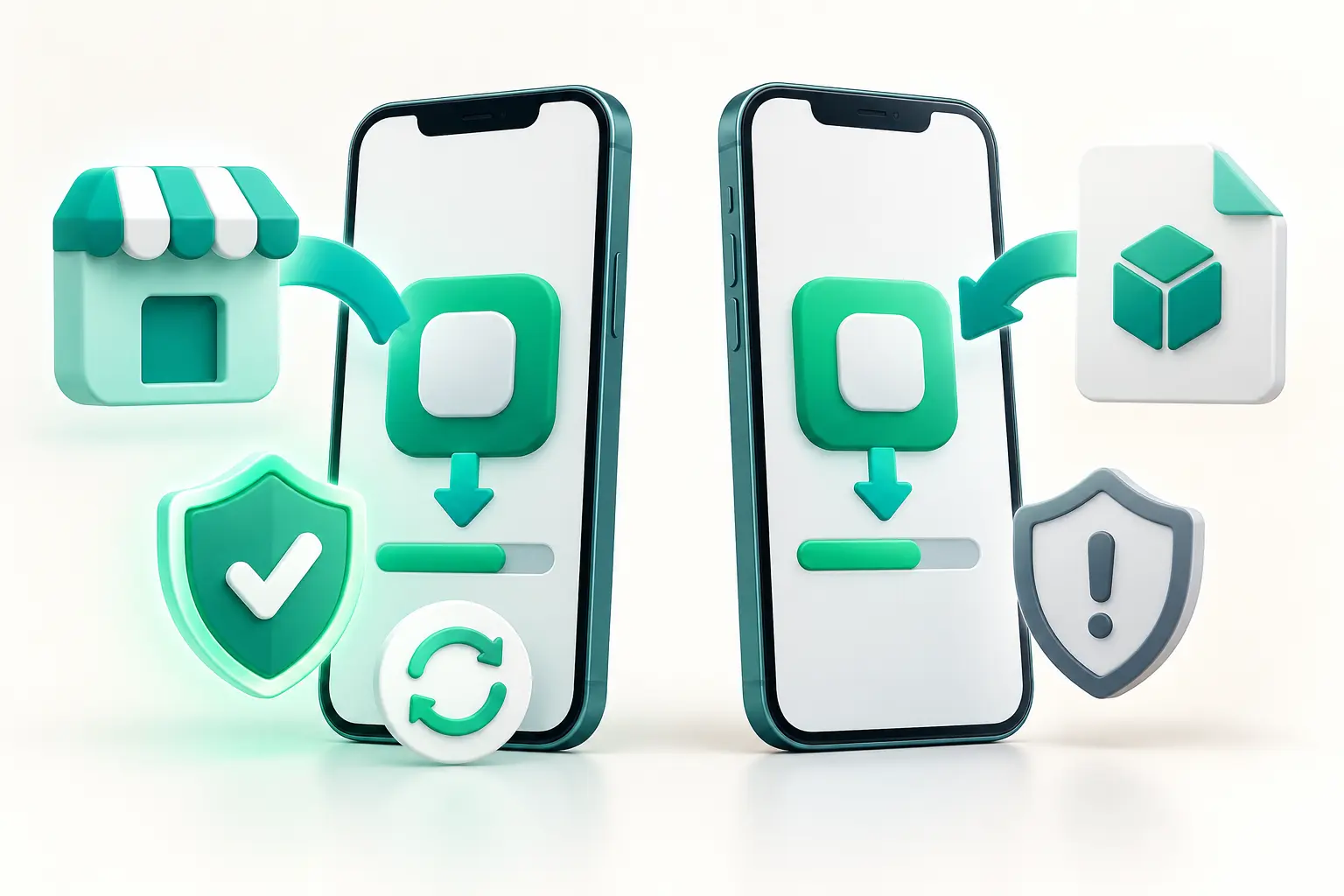
APK vs Play Store apps is a comparison of two ways to get Android software. An APK is an installable package file; Google Play is a store that delivers apps to your device. Both routes can result in an Android app, but they differ in source checks, installation and updates. Here is what matters before you choose.
APK vs Play Store apps: the quick comparison
Source: Google Play provides a store listing and publisher details. A standalone APK may come from a developer, another store or an unknown website. Setup: Play manages delivery, while a direct APK often needs a one-time install permission for the app that opens it. Updates: Play can update apps automatically; direct APK updates depend on the developer and source. Safety: Neither route is a guarantee, so review the publisher and requested permissions.
What does “APK” actually mean?
APK stands for Android Package. It is a file format used to install an Android app. Calling an app a “Play Store app” describes how you obtained it, not a separate species of software. Google Play can also deliver device-specific packages behind the scenes. If file formats confuse you, read APK vs XAPK vs AAB and What Is an APK File?.
Where the app comes from
The Play Store listing gives you an identifiable developer, update information and a central place to review an app. A direct APK might be offered by that same developer on an official website. It can also appear on an unrelated page with copied branding. Before downloading, compare the exact domain and publisher with the developer’s official information. A familiar icon alone is easy to imitate.
For a practical source checklist, follow our Complete Guide to APK Downloads. If the publisher or release cannot be verified, wait rather than testing the file on your main phone.
Installation and device compatibility
With Google Play, the store usually selects a compatible delivery for your device. With a standalone APK, you must pay closer attention to Android version, device architecture and the exact package variant. Some downloads contain extra components rather than a single APK. An installation error does not mean that you should try random files from search results.
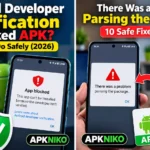
Android asks you to allow installs from a particular source app when you open a package outside a store. Grant that permission only when you intend to use that source, then review it afterward. Our How to Install APK Files guide explains the steps; APK Installation Failed covers common errors.
Updates and app signing
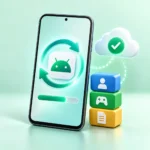
Google Play can update apps automatically according to your settings. An APK downloaded directly may need a fresh file from the publisher. Do not assume that a website pop-up claiming “update required” is genuine. Android checks an app’s signing identity when replacing an existing installation; a different signer may stop the update. Removing the old app to force an install can erase local data, so first verify the official release and back up anything important.
Security: what each route does and does not prove
Google Play Protect checks for potentially harmful apps, including apps obtained outside Play on supported devices. Keep those checks enabled and take warnings seriously. Store distribution adds checks, but it does not make every app safe. A clean scan is useful evidence, not a certificate of trust. Review the app’s permissions and avoid files that ask for access unrelated to their function.
Use our How to Check an APK Before Installing checklist for a direct download. The Complete APK Safety Guide goes deeper into warning signs, source verification and what to do if something looks wrong.
When should you choose each route?
For a routine app that is available in your region, the official Play listing is often the easiest way to install and maintain it. A direct APK can make sense when the developer itself supplies a specific release or a store is unavailable. In that case, verify the publisher, version and device requirements first. Avoid modified packages that promise paid features for free or ask for account credentials.
FAQ
Is an APK less safe than a Play Store app?
The file format itself is not the risk. The publisher, distribution source, app behavior and your ability to verify them matter. Unknown download pages create more work for you.
Will Google Play update an app I installed from an APK?
Do not rely on that. Update behavior depends on the app, its signing identity and the available distribution. Follow the developer’s official update guidance.
Can I install an older APK over a newer version?
A downgrade may fail or cause data problems. Check the developer’s compatibility guidance and back up data before changing versions.