Blood Strike APK 2026 – Download, Features & Install Guide
Description
Blood Strike APK is a fast-paced battle royale and multiplayer FPS for Android from NetEase Games. In 2026, the game remains one of the most popular mobile shooters, with more than 100 million installs shown on Google Play. It focuses on quick gunfights, Striker abilities, flexible weapon builds, squad play and smooth mobile controls.
This APKNIKO guide explains the official Blood Strike download, major game features, Android installation steps, safety checks and common fixes. If you are new to sideloading, read our APK download guide before installing files from outside the Play Store.
What Is Blood Strike APK?
Blood Strike is a competitive shooter built around short, aggressive matches rather than slow camping. The official Android listing describes four core experiences: Battle Royale, Squad Fight, Hot Zone and Weapon Master, alongside limited-time modes. Players choose from multiple Strikers with different abilities and combine them with customizable weapons.
The game is designed for mobile controls and emphasizes recoil control, movement and slide-shoot combinations. NetEase also promotes optimization across a wide range of Android hardware, although actual performance still depends on your phone, graphics settings, network quality and the current game update.
The official Google Play listing was updated in September 2026 and currently highlights the 2.5-year anniversary content. Because live-service games change frequently, APKNIKO recommends checking the official listing before downloading so you get the newest supported build.
Blood Strike Features on Android
Fast-Paced Battle Royale Combat
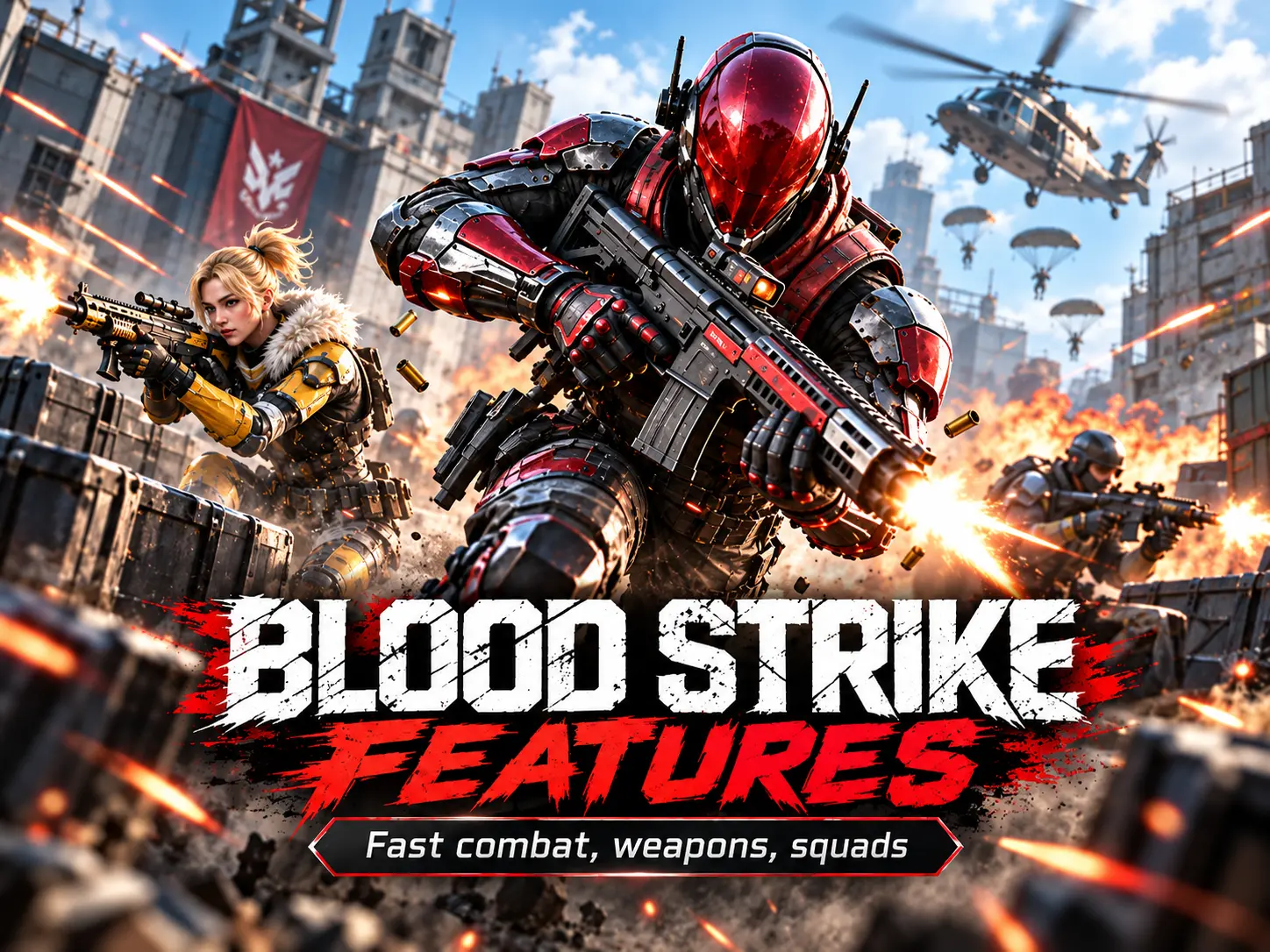
Blood Strike is built around rapid engagements. Movement feels central to the experience, so players who like mobile FPS games with quick rotations, close-range fights and frequent action may prefer it over slower tactical shooters.
Strikers With Different Abilities
Instead of giving every player the same toolkit, Blood Strike uses Strikers with distinct abilities. This adds team strategy because a squad can combine mobility, information and combat-focused skills depending on the mode and play style.
Weapon Customization
The game includes a broad weapon selection and supports different builds. Players can tune their loadouts for close-range pressure, balanced mid-range fights or more controlled long-range engagements. Weapon choice and recoil handling matter as much as raw movement.
Multiple Multiplayer Modes
Battle Royale is only one part of Blood Strike. Squad Fight, Hot Zone and Weapon Master give players faster alternatives when they do not want a full battle royale session. Limited-time modes and seasonal events can also change the available content.
Blood Strike APK Download for Android
For the safest installation, use the official Blood Strike source. The button below opens the official Google Play listing for the current Android build. This avoids modified packages, repacked installers and unofficial files that may contain unwanted code.
If you download an APK from another source, verify the package carefully before installation. APKNIKO’s APK checking guide explains useful checks, while our APK safety guide covers common warning signs.
How to Install Blood Strike APK on Android
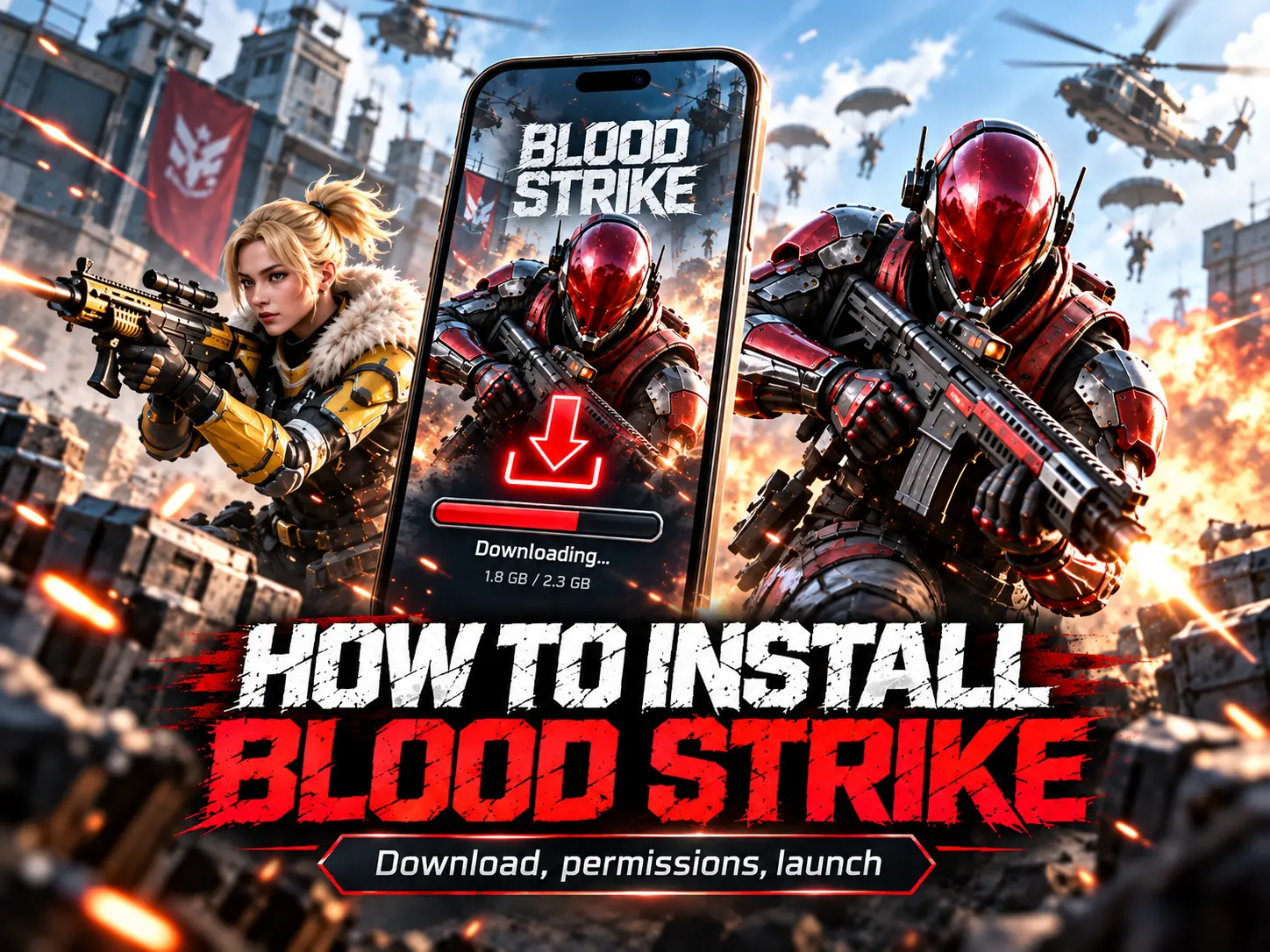
1. Download the official Android version. Use the button above or the official Blood Strike website. Avoid websites that advertise unlimited currency, unlocked purchases or modified anti-ban builds.
2. If you have a standalone APK, allow installation for the app you used to download it. Android controls this per app. Our Unknown Sources installation guide shows the safe way to manage that permission.
3. Open the APK and review the installer. Confirm that the app name and source look correct before tapping Install. If Android or Play Protect shows an unexpected warning, do not ignore it automatically.
4. Launch the game and let it finish downloading resources. Live-service shooters often download additional data after the base app is installed, so keep a stable connection and enough free storage available.
5. Sign in using the options shown by the official game. Do not enter account credentials into third-party launchers, mod menus or unofficial “verification” pages.
Android Requirements and Performance Tips
Blood Strike is promoted as a well-optimized mobile shooter, but there is no single performance result that applies to every device. Compatibility can change after major updates. The Play Store compatibility check is the easiest way to confirm whether the current build supports your phone.
For smoother gameplay, close heavy background apps, keep enough storage free for updates, use a stable Wi-Fi or mobile data connection and reduce graphics settings if the device becomes hot or frame rate drops. Updating Android system components and GPU-related system updates can also help on supported devices.
Is Blood Strike APK Safe?
The official Blood Strike app is distributed by NetEase Games on Google Play and through official Blood Strike channels. The bigger risk comes from third-party APK files that have been modified, resigned or bundled with extra installers. A file using the Blood Strike name is not automatically official.
Keep Google Play Protect enabled, compare the source with the official listing, and avoid packages promising cheats, free paid items or impossible gameplay advantages. If installation fails, use our how to install APK files guide instead of repeatedly disabling Android security features.
Common Blood Strike Problems and Fixes
APK Not Installing
Make sure the download is complete, the file matches your Android device and there is enough storage. If an older build is already installed with a different signature, Android may refuse the update.
Game Stuck on Downloading Resources
Switch to a stable network, restart the game and verify that Android is not restricting background data. Temporary server load during major updates can also slow resource downloads.
Lag or Frame Drops
Lower graphics quality, reduce other background activity and avoid playing while the phone is overheating. High graphics settings can look better but may reduce stable frame rate on mid-range hardware.
Frequently Asked Questions
Is Blood Strike free on Android?
Yes. The official Google Play listing shows Blood Strike as free to install with in-app purchases.
Is Blood Strike a battle royale game?
Yes, but it also includes other multiplayer modes such as Squad Fight, Hot Zone and Weapon Master.
Can I install Blood Strike APK without the Play Store?
Android can install standalone APK files when installation permission is enabled for the source app, but the safest choice is an official distribution channel and a verified package.
Should I download a Blood Strike MOD APK?
APKNIKO does not recommend modified builds. They can create account, privacy, malware and update problems, and they are not the same as the official game.
Final Verdict
Blood Strike is a strong choice for Android players who want a quick, ability-based mobile FPS with battle royale and shorter multiplayer modes. Download the official version, keep the game updated and treat unofficial APK modifications with caution. For more safe Android installation help, keep APKNIKO’s APK download, installation and safety guides bookmarked.