WordPress plugin
Redirection for CF7 PRO: Contact Form 7 Submission Actions
Redirection for CF7 PRO lets you select what happens after a Contact Form 7 form is submitted. Add actions in a form’s Action tab to route visitors, save submissions, send notifications or pass form data to another service.
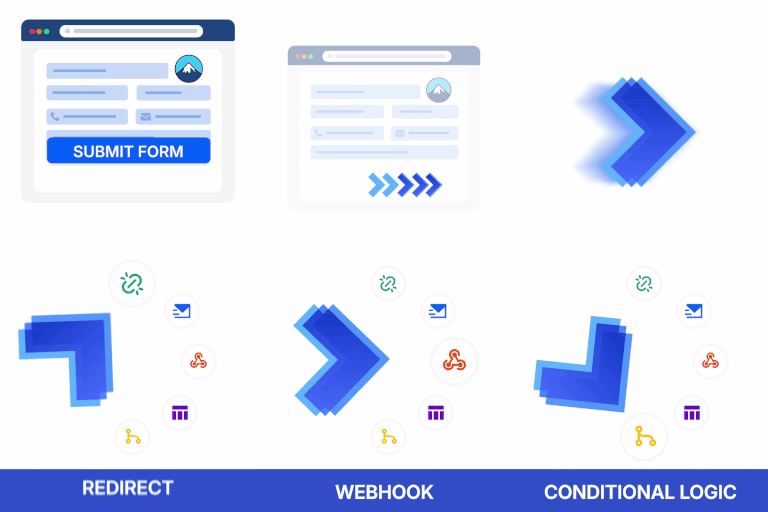
Redirection for CF7 PRO lets you select what happens after a Contact Form 7 form is submitted. Add actions in a form’s Action tab to route visitors, save submissions, send notifications or pass form data to another service.
Set up a form’s submission actions
Open the settings for the form, choose the Action tab and add the actions that fit its purpose. A contact form, registration form or support request can each have its own submission process. After configuring the actions, test the complete path, including any redirects, notifications, connected services or generated files.
Redirect visitors and manage entries
- Redirect: Send visitors to a page or URL after submission, open the destination in a new tab, and pass submitted fields as URL query parameters.
- Save entries: Store submissions in the WordPress database for later reference.
- Send notifications: Add email notifications to a form’s submission workflow.
- Reduce spam: Use honeypot protection without asking visitors to complete an extra challenge.
- Handle data requests: Create requests to export or erase personal data for GDPR-related workflows.
Apply conditions and connect services
PRO conditional logic uses If/Or rules based on submitted values, so actions can follow various paths depending on what a visitor enters. For example, a form can direct donors to different thank-you pages according to their responses.
After a successful submission, JavaScript can execute for tasks such as conversion tracking or analytics. Webhooks can send form data to third-party applications using POST, GET, DELETE or PATCH, with PARAMS, JSON or XML formats.
Create documents and publish posts
Use submitted form fields to make and send PDFs. Frontend publishing lets visitors publish posts from the site front end, which can support workflows for student assignments or other user-submitted content. You can also show a thank-you popup after submission.
Use connected services
Submitted forms can register contacts with Mailchimp lists or send records to HubSpot CRM and Salesforce CRM. For payment workflows, redirect visitors to PayPal or Stripe. Twilio integration can send SMS messages to users or notifications to your team.
Contact Form 7 version 4.8 or later is required. Configure the actions from the form’s Action tab, then test each part of the submission workflow.