WordPress plugin
Coming Soon Maintenance Mode Pro
Coming Soon Maintenance Mode Pro includes design, launch, and lead tools to the Coming Soon Maintenance Mode plugin for WordPress. Use it to display a temporary page while a website is being built, or a maintenance screen while an existing site is undergoing updates.
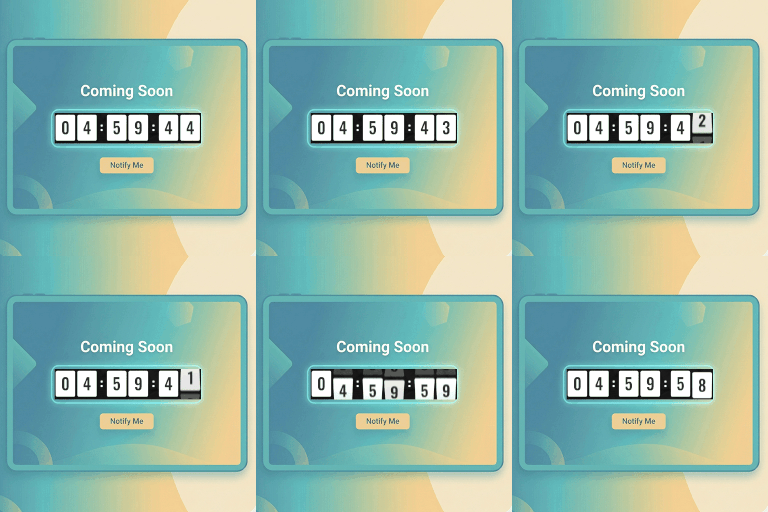
Coming Soon Maintenance Mode Pro includes design, launch, and lead tools to the Coming Soon Maintenance Mode plugin for WordPress. Use it to display a temporary page while a website is being built, or a maintenance screen while an existing site is undergoing updates.
Choose a mode and audience
Coming Soon mode returns HTTP 200, while Maintenance Mode returns HTTP 503 for temporary maintenance. Apply either mode across the site or target selected pages, posts, or the front page. By default, logged-in administrators and users with appropriate permissions can view the live site while visitors see the temporary page.
Pro includes the free version's five responsive templates, device previews, logo and headline controls, countdown, social links, options import and export, and factory reset. The Pro template library adds 36+ designs for areas such as agencies, SaaS, portfolios, restaurants, real estate, and e-commerce.
Set the page's look and launch schedule
Adjust the logo, headline, description, and background, then preview the layout on desktop, tablet, and mobile. Pro backgrounds can use fullscreen video from YouTube, Vimeo, or a self-hosted MP4, as well as linear or radial gradients, seven geometric patterns, and a live backdrop blur filter. The Custom CSS Code Studio works with custom styling with live injection.
The countdown uses client-side timing with timezone handling. Pro can automatically switch the site live when the countdown reaches zero.
Collect and manage leads
Collect visitor leads while the main site is unavailable. Connect a newsletter service through Mailchimp v3, Brevo v3, MailerLite, or a custom webhook. Authenticated custom SMTP can send welcome emails, administrator alerts for new leads, and site launch announcements. In the Lead Manager, view, search, and filter subscribers, then export their entries to CSV.
Pro expands social links to 12+ channels, including YouTube, LinkedIn, Pinterest, TikTok, Discord, Telegram, and WhatsApp.
Set up the temporary page
Install and activate Coming Soon Maintenance Mode Pro in WordPress, then pick a mode in the administration settings. Select a template, add a logo and headline, configure the description, set a countdown if needed, and choose a background. Next, set site-wide or selective targeting. If you are collecting leads, connect a newsletter service or custom webhook and configure authenticated SMTP for notifications. Preview the page on desktop, tablet, and mobile before activating it.