WordPress plugin
ELEX WooCommerce Request a Quote Premium: Quote Workflows
ELEX WooCommerce Request a Quote Premium includes a customizable frontend quote form for simple and variable WooCommerce products. Customers can submit a request for products your store handles through a quotation process, while other products can remain on the standard Add to Cart path.
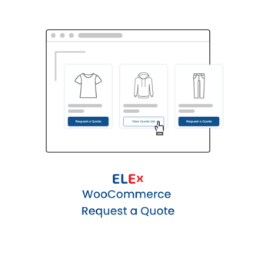
Give selected products a quote request path
ELEX WooCommerce Request a Quote Premium includes a customizable frontend quote form for simple and variable WooCommerce products. Customers can submit a request for products your store handles through a quotation process, while other products can remain on the standard Add to Cart path.
Set rules for products and shoppers
Choose where the Request a Quote option appears by including or excluding products according to category, tag, product name, or user role. You can also disable quote requests for unregistered users.
For products handled through quotes, conceal the Add to Cart button or apply separate exclusions based on category, tag, product name, and user role. These options let you define which products use direct purchasing and which use quote requests.
Send customer updates and admin alerts
Email notifications can go to customers and administrators when a quote request is submitted. Customer emails can also cover received, approved, and rejected requests. Customize these messages with dynamic placeholders and HTML tags.
Administrators can receive Google Chat and SMS notifications when a customer places a quote request. Email, SMS, and chat body templates can be customized for administrator messages.
Configure the quote process
After installing and activating the add-on in WordPress, configure the frontend form and select which products and users can request quotes. Set the Add to Cart behavior, customize customer and administrator message templates, then configure the email, SMS, and Google Chat notifications for your workflow.