WordPress plugin
All-in-one contact buttons - WPSHARE247 Pro for WordPress
All-in-one contact buttons - WPSHARE247 Pro brings several contact settings together in one WordPress button. Its interface includes a hotline icon and a list of contact icons for hotline, Zalo, Facebook, Messenger, and email. Zalo and Talkto chat boxes are also available in the contact interface.
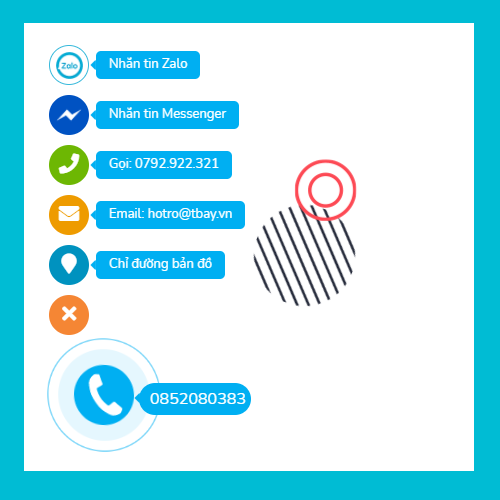
All-in-one contact buttons - WPSHARE247 Pro brings several contact settings together in one WordPress button. Its interface includes a hotline icon and a list of contact icons for hotline, Zalo, Facebook, Messenger, and email. Zalo and Talkto chat boxes are also available in the contact interface.
Choose where the button appears
Set the button position to the left, right, top, or bottom of the site. Consider the page layout and any fixed elements when choosing where the contact settings should appear.
Manage the contact icon list with Pro
The hotline icon and contact icon list present the available channels. Pro lets you add, remove, and edit icons, then arrange them in your preferred order. You can update the list as the website's contact options change and choose which methods appear earlier.
Set up the contact interface
- Install the add-on on the WordPress website.
- Set the button position to the left, right, top, or bottom.
- Configure the hotline and the listed contact channels.
- Use the Pro controls to add, remove, or edit icons.
- Arrange the icon order to set the sequence of contact choices.
- Use the available Zalo and Talkto chat boxes as part of the contact interface.