WordPress plugin
PiWeb Live sales notification for WooCommerce Pro: live feed
PiWeb Live sales notification for WooCommerce Pro includes sales notification popups to a WooCommerce store. Show original orders as a live feed of purchasing activity, or create virtual orders for notifications based on users’ recent product views or selected products. Virtual orders are generated at runtime and removed afterward rather than stored on the site. The feed does not require a separate backend platform.
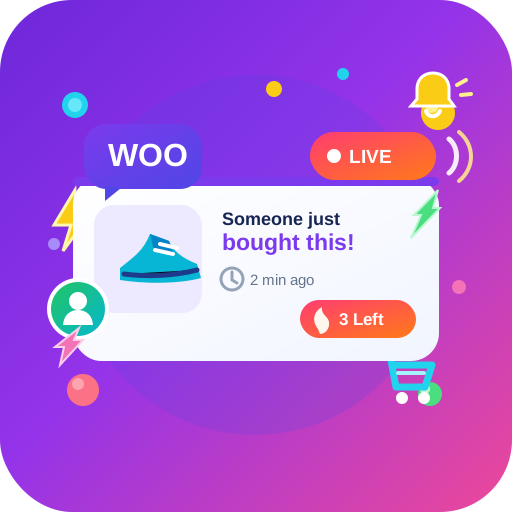
Choose the activity for your feed
PiWeb Live sales notification for WooCommerce Pro includes sales notification popups to a WooCommerce store. Show original orders as a live feed of purchasing activity, or create virtual orders for notifications based on users’ recent product views or selected products. Virtual orders are generated at runtime and removed afterward rather than stored on the site. The feed does not require a separate backend platform.
Match message details to their source
Write a custom notification message with the supported shortcodes {date}, {time}, {first_name}, {city}, {state}, {country}, {product}, and {price}. For original orders, shortcode information comes from the order; for virtual orders, it is generated automatically.
Choose date and time formats for those shortcodes, or display how long ago an order was placed, such as "2 hours back." For fake sales popups, the visitor’s actual country can be used. Administrators can exclude individual orders from the live feed.
Set customer and stock settings
Customers can select to exclude their information from the feed. They can also dismiss notifications, with a setting for how long notifications remain disabled for that visitor. You can turn off the closing option if visitors should not be able to dismiss notifications themselves.
Translate notification messages through the plugin’s translation system. For stock messaging, you can prevent out-of-stock products from appearing, show the remaining stock, or set a fake stock amount for products without stock management. A product placeholder picture is also available.
Control placement and appearance
Choose animations for showing and hiding the popup. Display notifications throughout the site or set page conditions for the front page, product page, cart page, checkout page, shop page, or product category page. The basic options also include a direct option to disable notifications on mobile.
Adjust the popup position, background color or image, width, image width, text color, font size, and font weight. Shortcode-generated text can have its own color, size, and weight settings. You can link the notification image to the product and choose whether that link opens in the same tab or a new tab.
Configure the store feed
Choose original orders, virtual orders, or both. Set the order age for the feed, select products where applicable, write the message, and configure its presentation. Then choose which website areas should show alerts and whether visitors can dismiss them.
Install the Pro extension alongside WooCommerce and configure the feed, messages, show rules, and styling in its settings. The supplied product information states that theme editing is not required. Premium support topics receive a response within 24 hours.