WordPress plugin
Modern Cart Pro: WooCommerce Side Cart and Cart Tools
Modern Cart Pro adds a side cart, also called a cart drawer or sliding cart. It opens when a shopper adds a product or selects the floating cart icon. Stores can use a centered popup cart instead. The default WooCommerce cart page remains available for compatibility, while the drawer or popup lets shoppers review their items from across the store.

Review cart entries without leaving the page
Modern Cart Pro adds a side cart, also called a cart drawer or sliding cart. It opens when a shopper adds a product or selects the floating cart icon. Stores can use a centered popup cart instead. The default WooCommerce cart page remains available for compatibility, while the drawer or popup lets shoppers review their items from across the store.
AJAX handles adding products, removing items, and changing quantities without reloading the page. Totals update as the cart changes. The floating icon stays in the corner of each page and shows a live entry count.
What shoppers see in the cart
Modern Cart Pro can show product recommendations, including recommendations for an empty cart. In-cart upsells and cross-sells give stores a way to present related products during cart review. A built-in coupon form lets clients enter discount codes in the side cart, with totals updating without a page reload. The coupon form can work with Power Coupons for WooCommerce for auto-apply and rule-based discounts.
A free shipping progress bar shows how close the cart is to the store's free-shipping threshold. A separate rewards bar can track custom milestones such as a free gift or discount. Both indicators update when products are added or removed. Express checkout delivers another path from the cart.
Settings and compatibility
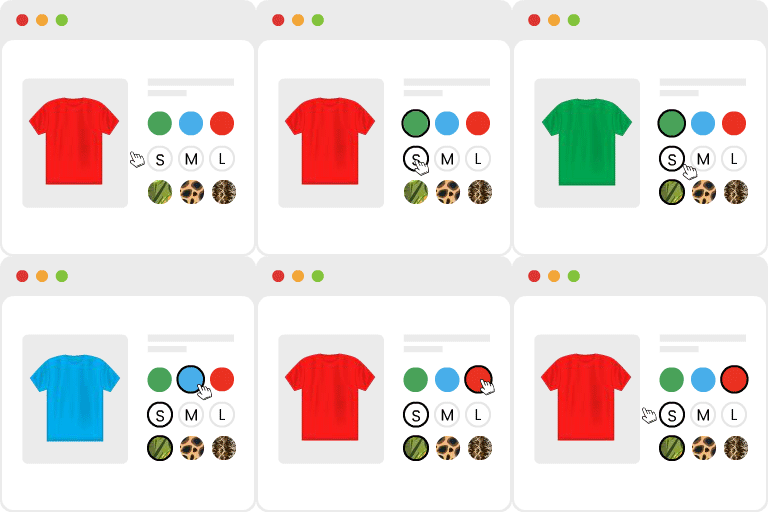
Store presentation controls include advanced colors, custom icon uploads, and cart width options. The add-on works with simple, variable, grouped, and subscription products. Variable product attributes and subscription details display in the side cart.
Listed compatible themes include Astra, Spectra, Blocksy, Kadence, GeneratePress, OceanWP, Hello Elementor, Storefront, Bricks Builder, Flatsome, Hestia, and Neve. Listed compatible builders and plugins include Elementor, Gutenberg, CartFlows, WooCommerce Subscriptions, and Cart Abandonment Recovery for WooCommerce.
Setup and administration
- Upload and activate Modern Cart Pro on a WooCommerce website.
- Choose the side cart drawer or popup presentation.
- Enable the floating cart icon for access from store pages.
- Configure recommendations, coupons, progress bars, express checkout, and display settings.
The admin area retrieves changelog and knowledge base content through read-only requests. No user data is sent for those requests.