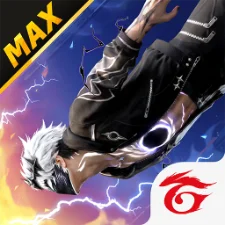
Free Fire MAX is the high-graphics edition of Garena’s Free Fire. It keeps the same quick 10-minute battle royale and shares accounts and servers with the original game, but adds sharper visuals, better effects and more detailed maps for stronger phones.
On Google Play, Free Fire MAX has 500M+ downloads and a 4.5-star rating from 32.3M reviews. The current version is 2.132.1, updated on September 10, 2026. This guide covers what the game is, the key features, phone requirements, safe installation and practical tips.
| Info | Details |
|---|---|
| Game | Free Fire MAX: Storm Arena |
| Developer | GARENA INTERNATIONAL I |
| Latest version | 2.132.1 (Sep 10, 2026) |
| Genre | Battle royale shooter |
| Price | Free (optional in-app purchases) |
| Android needed | Android 5.0 or later |
| Download size | About 407 MB on Google Play (more game data downloads after install) |
| Downloads | 500M+ |
| Google Play rating | 4.5 stars (32.3M reviews) |
| Official source | Google Play Store |
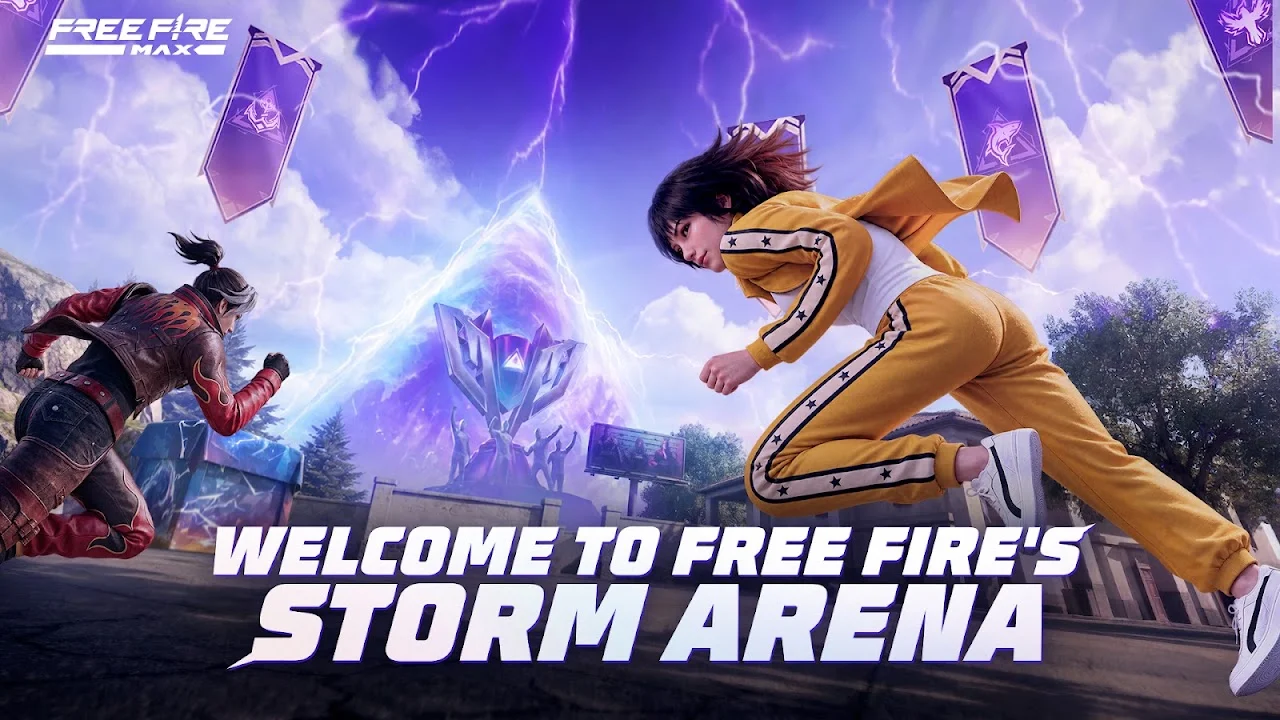
What is Free Fire MAX?
The core game is the same as Free Fire: up to 50 players land on an island, loot weapons and fight inside a shrinking safe zone until one player or squad earns a Booyah. Clash Squad 4v4 and rotating event modes are also included.
The difference is presentation. Free Fire MAX uses higher-resolution textures, richer lighting and smoother animations, so it looks closer to a modern console shooter while keeping the same short match length.
Because both versions use the same account system, you can log in with the same Google or Facebook account and keep your characters, skins and progress. The current Storm Arena season is shared across both games.
Key features of Free Fire MAX
- HD graphics. Upgraded textures, lighting and effects over regular Free Fire.
- Shared account. Use the same login and progress as Free Fire.
- Cross-play. Free Fire and Free Fire MAX players can play in the same matches.
- 10-minute Battle Royale. Fast matches for solo, duo or squad.
- Clash Squad 4v4. Round-based team mode with an in-match store.
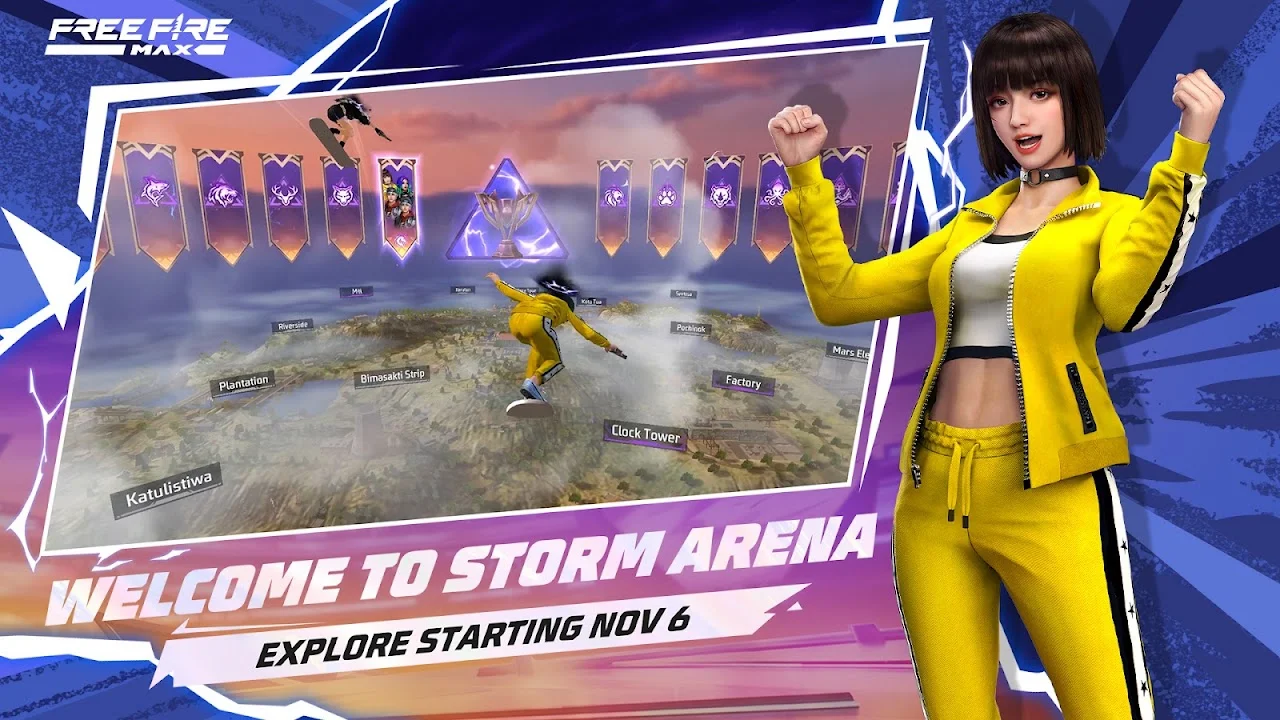
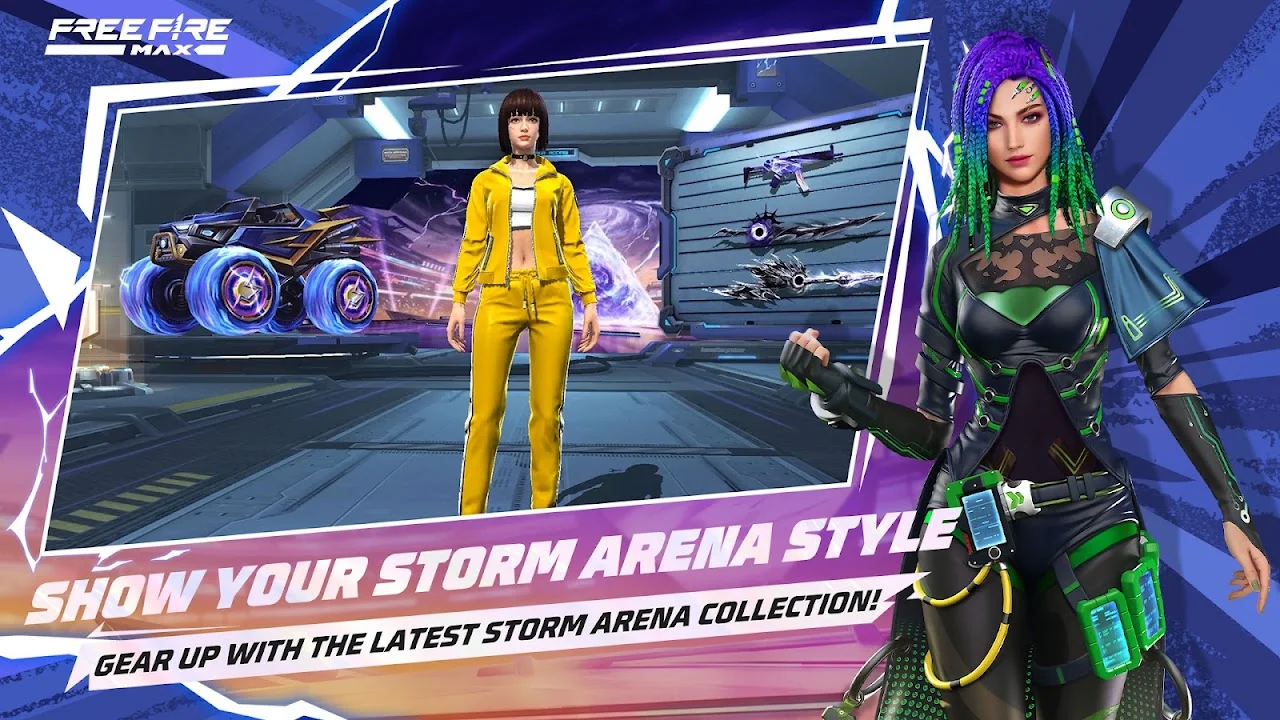
- Storm Arena season. Storm Weapons and special squad airdrops.
- Graphics presets. Lower settings help mid-range phones keep a steady frame rate.
System requirements for Android
| Spec | Requirement |
|---|---|
| Android version | 5.0 or later (from Google Play) |
| Download size | About 407 MB plus in-game data packs |
| RAM (our recommendation) | 3 GB minimum, 4 GB+ for HD settings |
| Free storage (our recommendation) | Keep 3 GB+ free for the game and resource packs |
| Internet | Required for every mode |
Google Play lists Android 5.0 as the minimum, but Free Fire MAX is heavier than regular Free Fire. On older or 2 GB RAM phones, the standard Free Fire app will run more smoothly.
How to download Free Fire MAX safely
The safe way to install Free Fire MAX is the official Google Play listing published by GARENA INTERNATIONAL I.
- Open Google Play Store and search “Free Fire MAX”.
- Check that the developer name shows GARENA INTERNATIONAL I and the listing has 500M+ downloads.
- Tap Install and wait for the download to finish.
- Open the game, download the in-game resources, then log in with the same account you use on Free Fire to keep your progress.
- To update later, open the same listing and tap Update when it appears.
Tips for beginners
- Pick Smooth or Standard graphics first. Raise them only if the game stays smooth.
- Turn on High FPS if your phone supports it. Frame rate matters more than shadows in fights.
- Use your existing Free Fire account. Do not create a new guest account by mistake.
- Carry Gloo Walls and medkits. They decide most close fights.
- Keep your phone cool. Remove the case and avoid charging during long sessions.
- Clear the resource cache only from in-game settings. Deleting files manually can force a full re-download.
Pros and cons
| Pros | Cons |
|---|---|
| Best-looking version of Free Fire | Needs a stronger phone than Free Fire |
| Same account and friends as Free Fire | Bigger download and storage use |
| Cross-play with Free Fire players | Heats up mid-range phones |
| No ads | Cosmetics and passes cost money |
| Short 10-minute matches | Needs a stable internet connection |
Avoid modded and fake APKs
Websites offering a “Free Fire MAX MOD APK”, unlimited diamonds or headshot hacks are not official. Modified files can get your account banned, because the game checks your data on its servers. They can also carry malware and never receive official updates. Download Free Fire MAX only from Google Play.
FAQ
Is Free Fire MAX free?
Yes. It is free to download, with optional in-app purchases.
What is the latest version of Free Fire MAX?
Version 2.132.1 on Google Play, updated on September 10, 2026.
Which Android version do I need?
Android 5.0 or later, according to the Google Play listing.
Is my Free Fire account the same in Free Fire MAX?
Yes. Log in with the same linked account and your progress, characters and items carry over.
Can Free Fire MAX players play with Free Fire players?
Yes. Both versions share servers, so friends on either app can play together.
Which is better for a low-end phone?
Regular Free Fire. It is lighter and runs better on phones with 2 to 3 GB of RAM.
Final verdict
Free Fire MAX is the best way to play Free Fire if your phone can handle it: the same fast matches with far better visuals. Install it from Google Play, sign in with your existing account, and start on Smooth graphics before raising the quality.