PUBG Mobile is the original battle royale on phones and still one of the most played shooters in the world. You drop onto a large map with up to 100 players, gather weapons, and fight to be the last one standing for a Chicken Dinner.
On Google Play, PUBG Mobile has 1B+ downloads and a 4.3-star rating from 48.7M reviews. The current version is 4.6.0, updated on September 18, 2026. This guide covers what the game is, the key features, phone requirements, safe installation and practical tips.
| Info | Details |
|---|---|
| Game | PUBG MOBILE |
| Developer | Level Infinite |
| Latest version | 4.6.0 (Sep 18, 2026) |
| Genre | Battle royale shooter |
| Price | Free (contains ads, optional in-app purchases) |
| Android needed | Android 5.0 or later |
| Download size | About 1.2 GB on Google Play (more game data downloads after install) |
| Downloads | 1B+ |
| Google Play rating | 4.3 stars (48.7M reviews) |
| Official source | Google Play Store |
What is PUBG Mobile?
A Classic match starts on a plane. You choose where to jump, loot buildings for guns, armour and healing items, and move with the shrinking play zone. Vehicles help you cross the map, but they also make noise and attract attention.
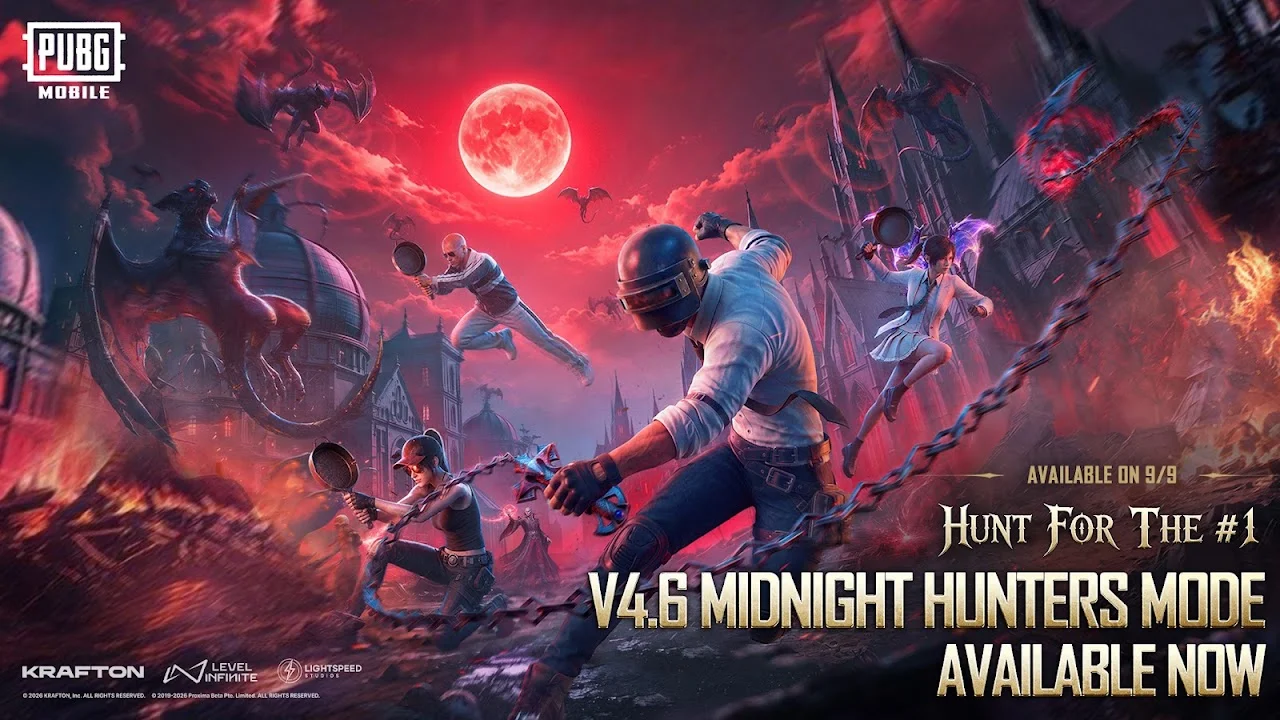
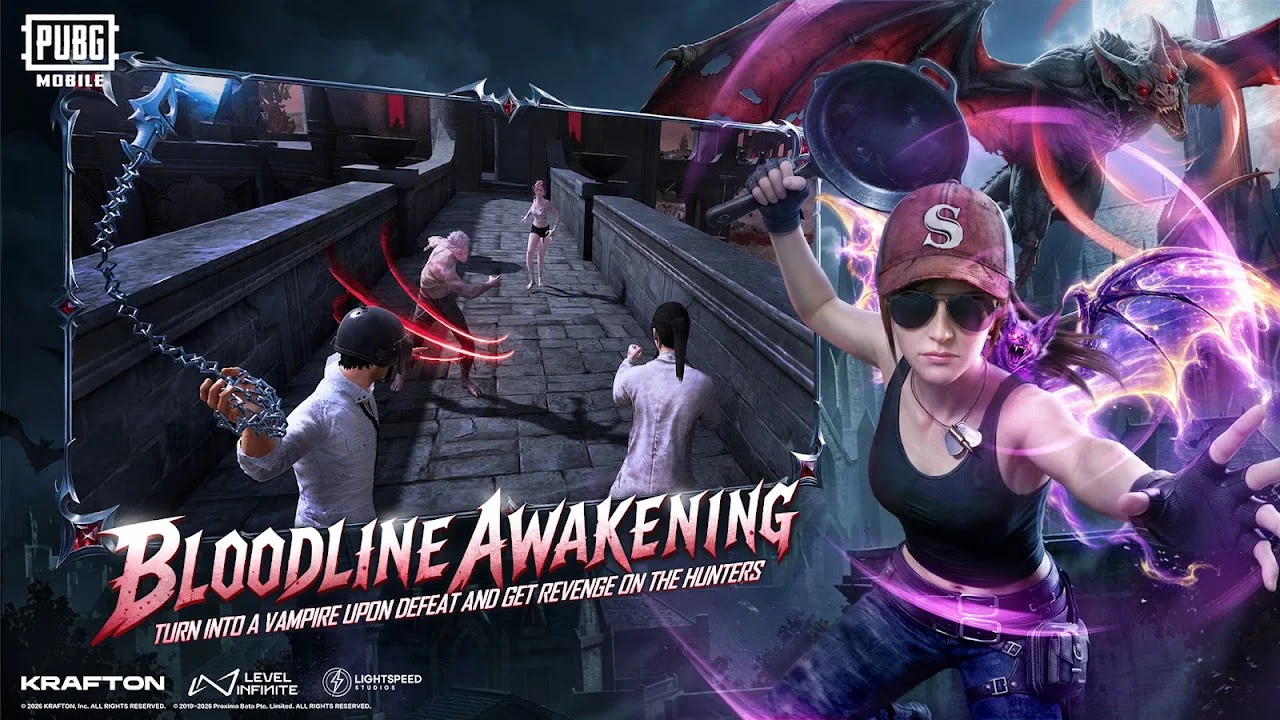
Beyond Classic, PUBG Mobile offers quicker Arena and Team Deathmatch modes for practice, plus event and themed modes that rotate through the year. You can play solo, in a duo or with a four-player squad, with built-in voice chat.
Version 4.6 is the current Google Play release. Regular updates bring new seasons, Royale Pass rewards, events and balance changes, so the game feels different from season to season.

Key features of PUBG Mobile
- 100-player Classic matches. Large maps with realistic gunplay and ballistics.
- Multiple maps. Each map has its own size, terrain and pace.
- Arena and Team Deathmatch. Short modes to warm up and practice aim.
- Vehicles. Cars, bikes and boats for rotating across the map.
- Squad voice chat. Coordinate with friends in real time.
- Deep settings. Custom controls, sensitivity, graphics and frame rate options.
- Ranked tiers. Climb from Bronze upward each season.
System requirements for Android
| Spec | Requirement |
|---|---|
| Android version | 5.0 or later (from Google Play) |
| Download size | About 1.2 GB plus in-game data packs |
| RAM (our recommendation) | 3 GB minimum, 4 GB+ recommended |
| Free storage (our recommendation) | Keep 4 GB+ free for the game and resource packs |
| Internet | Required for every mode |
The Play Store download is about 1.2 GB, and PUBG Mobile then offers extra map and resource packs inside the game. You can skip packs for maps you do not play to save space.
How to download PUBG Mobile safely
The safe way to install PUBG Mobile is the official Google Play listing published by Level Infinite.
- Open Google Play Store and search “PUBG Mobile”.
- Check that the developer name shows Level Infinite and the listing has 1B+ downloads.
- Tap Install and wait for the download to finish.
- Open the game, accept the terms, download the required resource pack, then log in with Google, Facebook or another supported account to save your progress.
- To update later, open the same listing and tap Update when it appears.
Tips for beginners
- Use Smooth graphics with a higher frame rate. More FPS makes aiming easier than prettier graphics.
- Learn to peek and lean. Turn on peek controls so you expose less of your body while shooting.
- Loot armour before attachments. A level 2 vest and helmet save more lives than a scope.
- Rotate early. Move toward the next zone before it starts shrinking.
- Practice in Training Grounds. Test recoil on each gun before ranked matches.
- Download only the map packs you use. This saves gigabytes of storage.
Pros and cons
| Pros | Cons |
|---|---|
| Realistic gunplay and big maps | Large download plus extra resource packs |
| Many modes for short and long sessions | Heavy on battery and heat |
| Huge player base worldwide | Ads and in-app purchases |
| Detailed settings and controls | Hackers still appear in some matches |
| Regular seasonal updates | Older phones struggle on higher settings |
Avoid modded and fake APKs
Websites offering a “PUBG Mobile MOD APK”, unlimited UC or aimbot hacks are not official. Modified files can get your account banned, because the game checks your data on its servers. They can also carry malware and never receive official updates. Download PUBG Mobile only from Google Play.
FAQ
Is PUBG Mobile free?
Yes. It is free to download, with ads and optional in-app purchases.
What is the latest version of PUBG Mobile?
Version 4.6.0 on Google Play, updated on September 18, 2026.
Which Android version do I need?
Android 5.0 or later, according to the Google Play listing.
How much space does PUBG Mobile need?
About 1.2 GB from Google Play, plus extra resource packs inside the game. Keep at least 4 GB free.
Can PUBG Mobile run on a 3 GB RAM phone?
Usually yes on Smooth graphics, but 4 GB or more gives steadier frame rates.
Is PUBG Mobile the same as PUBG: New State?
No. They are separate games with separate accounts and progress.
Final verdict
PUBG Mobile remains the most complete battle royale on Android, with big maps, realistic shooting and constant updates. It needs more storage than lighter shooters, so clear space first, install from Google Play and set graphics for frame rate rather than looks.