Free Fire is Garena’s fast battle royale shooter built for phones of every budget. Matches last about ten minutes, so you can drop in, loot, fight and chase a Booyah during a short break. The current season on Google Play is Storm Arena.
On Google Play, Free Fire has 1B+ downloads and a 4.4-star rating from 130M reviews. The current version is 1.132.1, updated on September 10, 2026. This guide covers what the game is, the key features, phone requirements, safe installation and practical tips.
| Info | Details |
|---|---|
| Game | Free Fire: Storm Arena |
| Developer | GARENA INTERNATIONAL I |
| Latest version | 1.132.1 (Sep 10, 2026) |
| Genre | Battle royale shooter |
| Price | Free (optional in-app purchases) |
| Android needed | Android 5.0 or later |
| Download size | About 389 MB on Google Play (more game data downloads after install) |
| Downloads | 1B+ |
| Google Play rating | 4.4 stars (130M reviews) |
| Official source | Google Play Store |
What is Free Fire?
In classic Battle Royale mode, up to 50 players parachute onto an island, grab weapons and gear, and fight while the safe zone keeps shrinking. The last player or squad alive wins the match, called a Booyah.
Free Fire also has Clash Squad, a 4v4 round-based mode where you buy weapons between rounds, plus rotating event modes. Every playable character has a special skill, and pets add small passive bonuses, so team combinations matter.
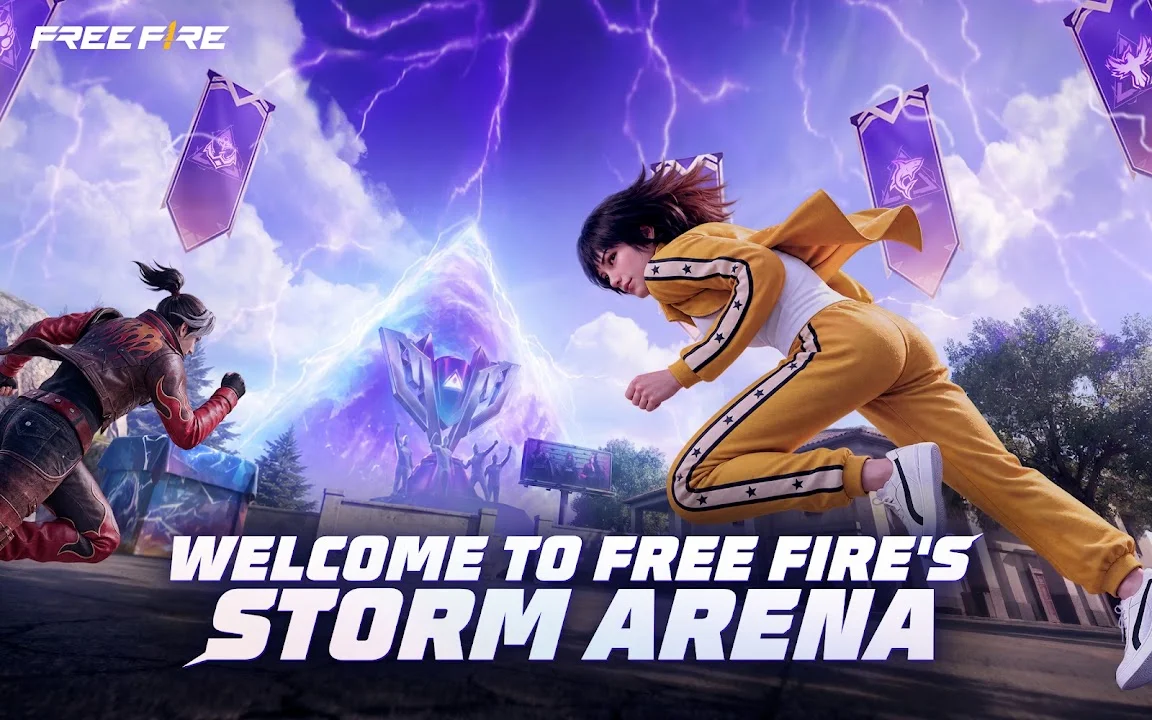
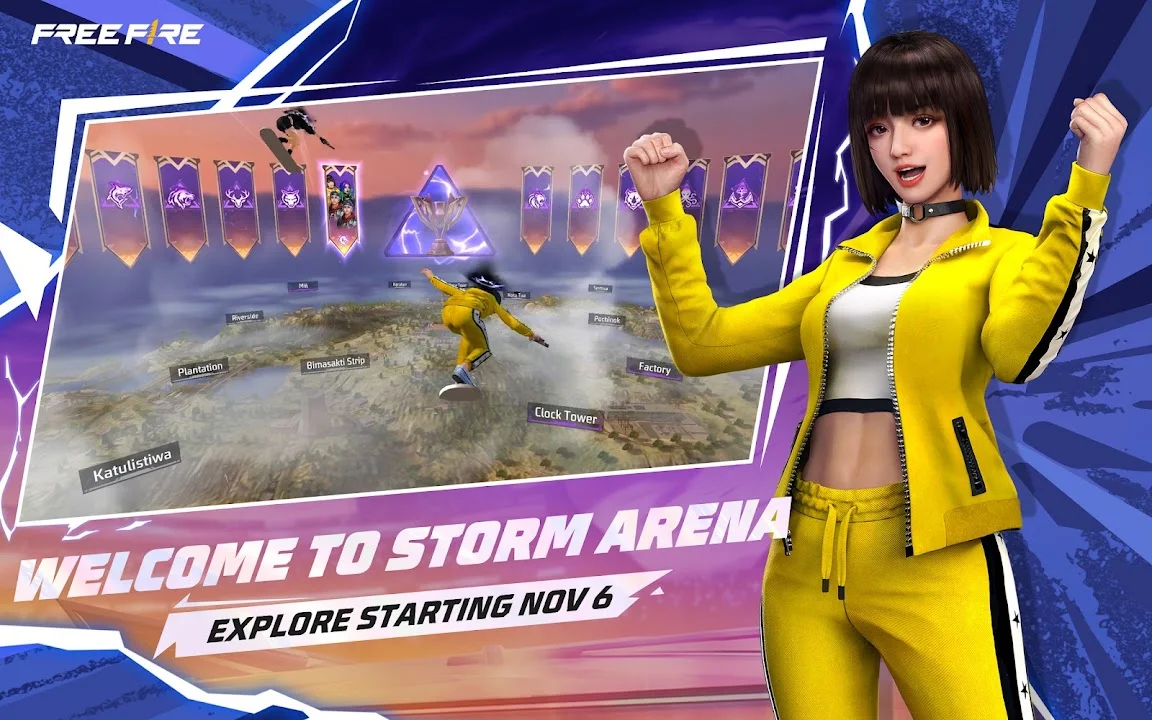
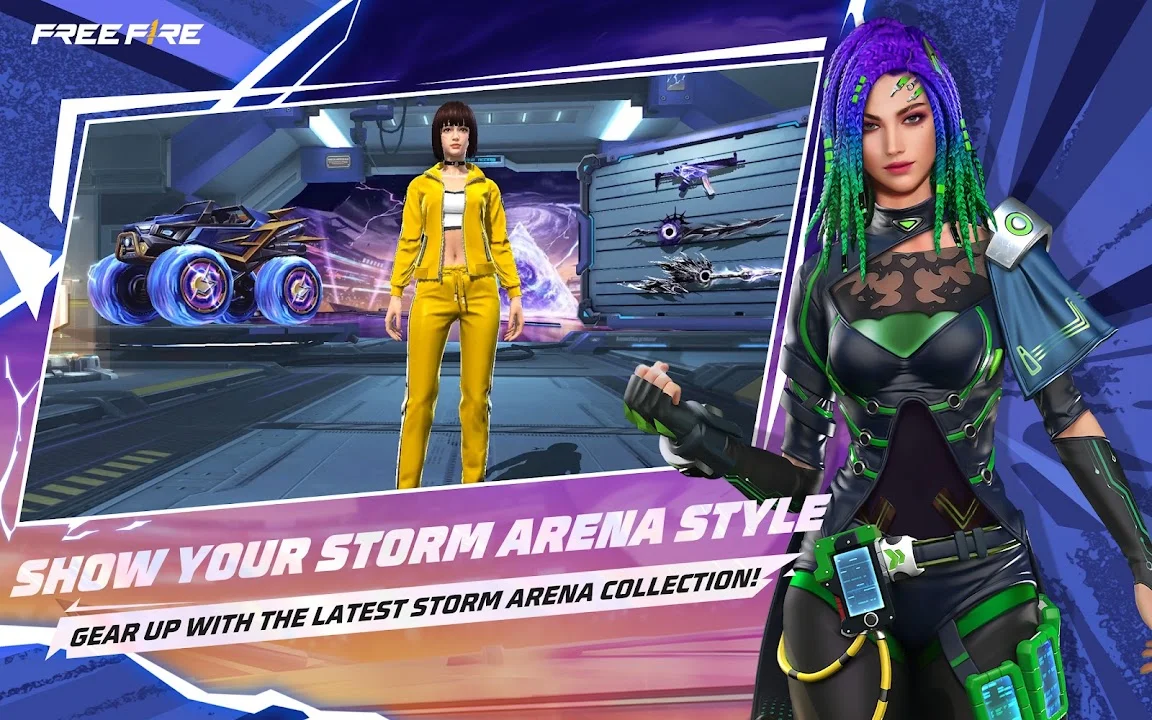
The Storm Arena season adds team banners in the sky, Storm Weapons that give a short buff after eliminations, and an exclusive airdrop for the match’s top squad, according to the Google Play listing.
Key features of Free Fire
- 10-minute matches. Short games that fit into a busy day.
- 50-player Battle Royale. Solo, duo or squad on large island maps.
- Clash Squad 4v4. Round-based team fights with an in-match weapon store.
- Character skills. Each character has an active or passive ability that changes how you play.
- Pets and loadouts. Extra perks and cosmetic customisation.
- Voice chat. Talk to your squad in real time.
- Runs on budget phones. Much lighter than most battle royale games.
System requirements for Android
| Spec | Requirement |
|---|---|
| Android version | 5.0 or later (from Google Play) |
| Download size | About 389 MB plus in-game data packs |
| RAM (our recommendation) | 2 GB minimum, 3 GB+ for smooth play |
| Free storage (our recommendation) | Keep 2 GB+ free for the game and resource packs |
| Internet | Required for all modes; a stable connection reduces lag |
After installing, the game downloads extra resource packs inside the app, so the total space used is larger than the Play Store download.
How to download Free Fire safely
The safe way to install Free Fire is the official Google Play listing published by GARENA INTERNATIONAL I.
- Open Google Play Store and search “Free Fire”.
- Check that the developer name shows GARENA INTERNATIONAL I and the listing has 1B+ downloads.
- Tap Install and wait for the download to finish.
- Open the game, let it download the in-game resources, then log in with a Google or Facebook account so your progress is saved.
- To update later, open the same listing and tap Update when it appears.
Tips for beginners
- Land away from the plane’s path. Quieter spots let you loot safely before the first fight.
- Always carry Gloo Walls. They give instant cover in open ground.
- Adjust sensitivity in Settings. Higher camera sensitivity makes close fights easier on small screens.
- Watch the zone timer. Move early instead of running through the storm.
- Pick character skills that suit your role. Rushers and support players need different abilities.
- Link your account. A guest account can be lost if you clear data or change phones.
Pros and cons
| Pros | Cons |
|---|---|
| Free with no ads | Cosmetics and passes cost real money |
| Short 10-minute matches | Needs a stable internet connection |
| Runs on low-end phones | Hackers and campers can spoil some matches |
| Many modes beyond Battle Royale | Extra resource downloads after install |
| Huge player base for fast matchmaking | Graphics are simpler than Free Fire MAX |
Avoid modded and fake APKs
Websites offering a “Free Fire MOD APK”, unlimited diamonds or auto-headshot hacks are not official. Modified files can get your account banned, because the game checks your data on its servers. They can also carry malware and never receive official updates. Download Free Fire only from Google Play.
FAQ
Is Free Fire free?
Yes. It is free to download, with optional in-app purchases.
What is the latest version of Free Fire?
Version 1.132.1 on Google Play, updated on September 10, 2026.
Which Android version do I need?
Android 5.0 or later, according to the Google Play listing.
What is the difference between Free Fire and Free Fire MAX?
Both share the same servers and account. Free Fire MAX has higher-quality graphics and needs a stronger phone, while Free Fire is lighter for budget devices.
Can I play Free Fire offline?
No. Every mode needs an internet connection.
How do I keep my Free Fire account safe?
Link it to Google or Facebook, never share your login, and avoid third-party diamond or hack apps.
Final verdict
Free Fire is still the best battle royale for budget Android phones in 2026. Matches are quick, the modes are varied and the Storm Arena season keeps things fresh. Install it from Google Play, link your account, and practice with Gloo Walls before chasing your first Booyah.