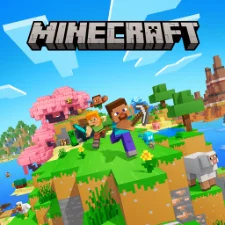
Minecraft is the world’s best-known sandbox game, and the Android version is the full Bedrock Edition. On Google Play it is a one-time purchase of $6.99, and the current version is 1.26.62.1, updated on November 5, 2026.
This guide covers what you get for the price, which phones can run it, how to buy and install it safely, and beginner tips for your first nights.
| Info | Details |
|---|---|
| Game | Minecraft: Dream it, Build it! |
| Developer | Mojang |
| Latest version | 1.26.62.1 (Nov 5, 2026) |
| Edition | Bedrock Edition |
| Price | $6.99 one-time (optional in-app purchases $0.99 to $49.99) |
| Android needed | Android 8.0 or later |
| Download size | About 1 GB |
| Downloads | 100 million+ |
| Google Play rating | 4.3 stars (5.88M reviews), Editors’ Choice |
| Official source | Google Play Store |
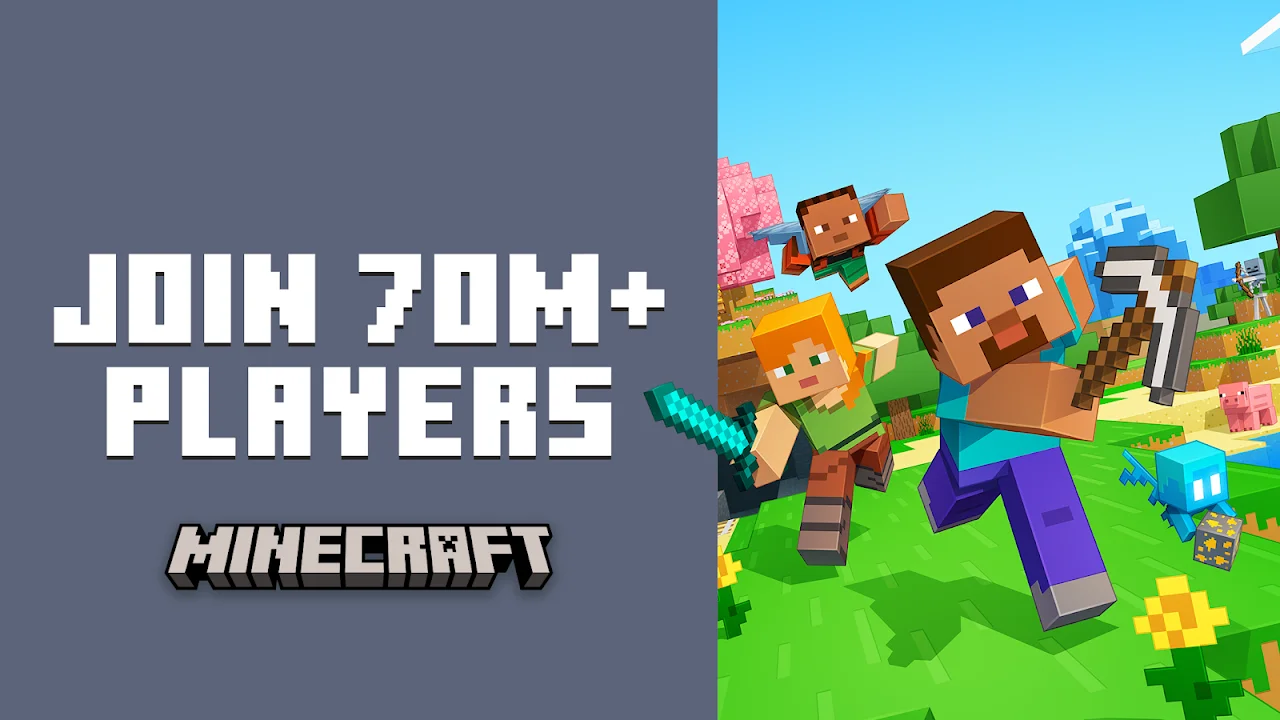
What is Minecraft?
Minecraft drops you into an endless world made of blocks. You can dig, mine, craft tools, build anything you can imagine and survive against monsters that come out at night. There is no fixed story; you set your own goals.
The Android app is the Bedrock Edition, the same version played on Xbox, PlayStation, Nintendo Switch and Windows. That means you can join friends on those platforms with a free Microsoft account.
Since 2026, Mojang numbers versions by year, and new content now arrives in several smaller “game drops” each year instead of one big annual update. Updates are free for everyone who owns the game.
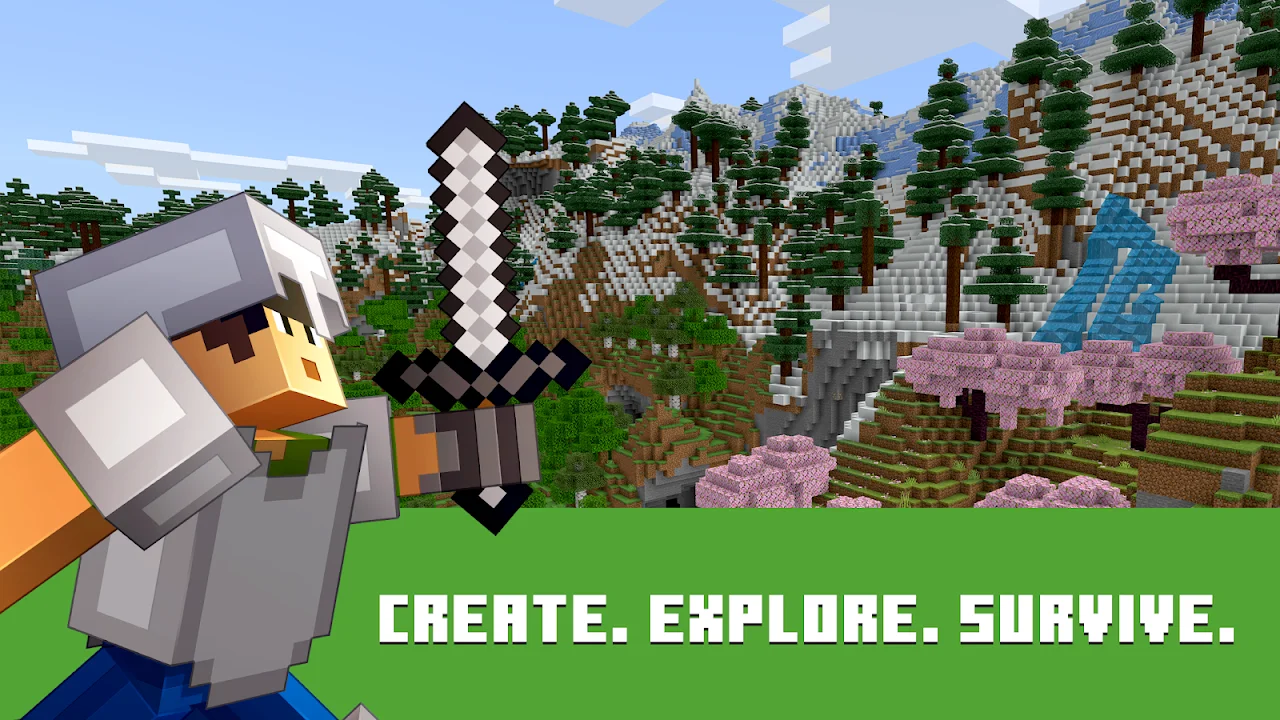
Key features
- Survival mode. Gather resources, craft tools, manage hunger and survive the night.
- Creative mode. Unlimited blocks and flying, so you can focus only on building.
- Hardcore mode. One life only, for players who want the toughest challenge.
- Cross-play. Play with friends on consoles and Windows through Bedrock Edition.
- Realms and servers. Join large community servers, or rent a private Realm that stays online for your friends.
- Marketplace. Optional skins, maps and texture packs made by community creators.
- Free game drops. New mobs, blocks and biomes arrive several times a year at no extra cost.
- Controller and keyboard support. Connect a Bluetooth controller or keyboard for a console-like setup.
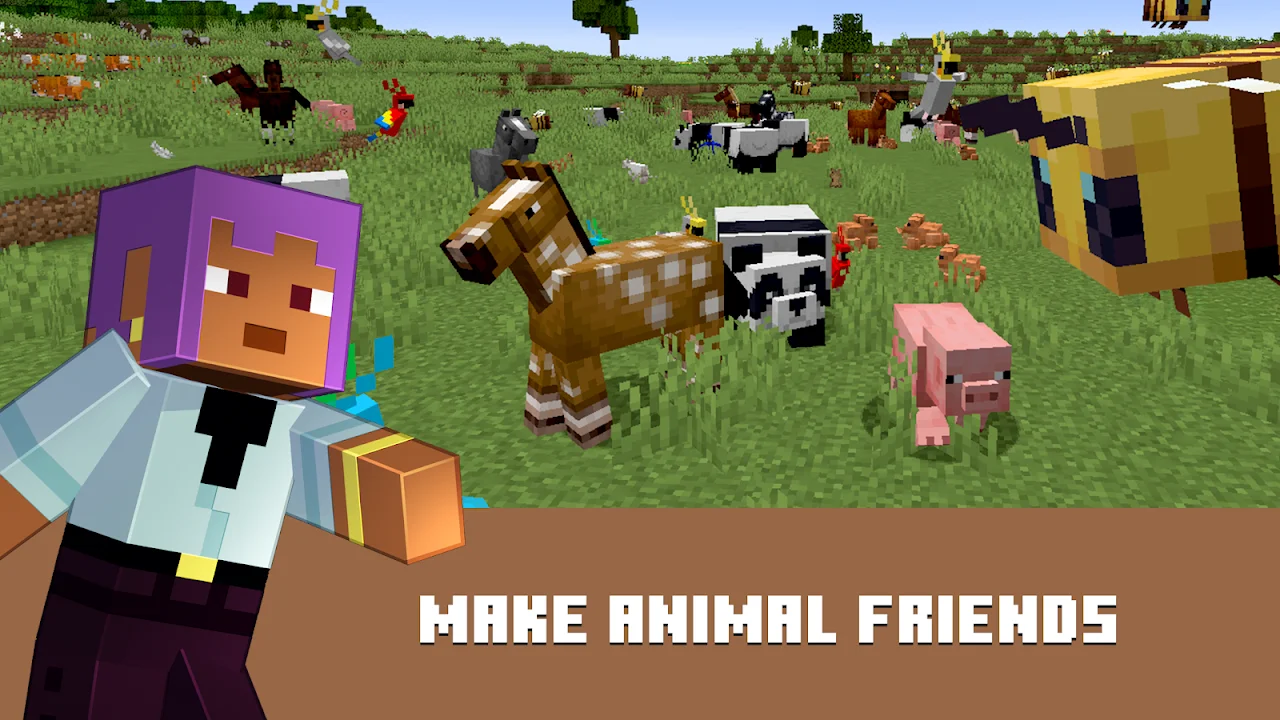
System requirements for Android
Minecraft runs on most modern Android phones, but bigger render distances and add-ons need more power.
| Spec | Requirement |
|---|---|
| Android version | 8.0 or later |
| Download size | About 1 GB (varies by device) |
| RAM | 4 GB+ recommended for smooth play |
| Free storage | Keep 2 GB+ free for worlds and updates |
Android version and download size come from the Google Play listing. RAM and free storage are our practical recommendations.
How to download and install Minecraft safely
Minecraft is a paid game. Buying it once on Google Play gives you the full game and all future updates on that Google account.
- Open Google Play Store and search “Minecraft”.
- Check that the developer is Mojang and the listing is “Minecraft: Dream it, Build it!”.
- Tap the price button, confirm the purchase with your Google Play payment method, and the download starts automatically.
- Open the game and sign in with a free Microsoft account to unlock multiplayer, Realms and cross-play.
- Tap Play, then Create New to start your first world.
Already bought it? Open Google Play, tap your profile, go to Manage apps and device, then the Library tab to reinstall it free on any phone using the same Google account.
Beginner tips
- Punch a tree first. Wood makes your crafting table, tools and first shelter.
- Build a shelter before night one. Even a small dirt hut with a door keeps zombies and creepers out.
- Make a bed quickly. Three wool and three planks let you skip the night and set your spawn point.
- Light up your base. Torches stop monsters spawning near you.
- Never dig straight down. You can fall into lava or a cave full of mobs.
- Back up big worlds. Export important worlds from the world settings before major updates.
Pros and cons
| Pros | Cons |
|---|---|
| Full Bedrock Edition with no ads | Not free: one-time $6.99 purchase |
| Cross-play with consoles and PC | Marketplace items cost extra |
| Endless creative freedom | Realms is a separate subscription |
| Free content updates several times a year | Big worlds can heat up older phones |
| Huge community and servers | Touch controls feel slower than a mouse |
Stay safe: avoid modded APKs
Websites offering “Minecraft APK free download” or “Minecraft PE MOD APK” are distributing a paid game without permission. These files can contain malware, cannot sign in to a Microsoft account properly, and do not get official updates. The only safe way to play on Android is to buy it on Google Play.
FAQ
Is Minecraft free on Android?
No. Minecraft costs $6.99 as a one-time purchase on Google Play.
What is the latest Minecraft version for Android?
Version 1.26.62.1 on Google Play, updated on November 5, 2026.
Can I play Minecraft offline?
Yes. Single-player worlds work offline. Multiplayer, Realms and the Marketplace need the internet.
Can Android players join friends on Xbox or PC?
Yes. Android uses Bedrock Edition, which supports cross-play with Xbox, PlayStation, Switch and Windows players.
Which Android version do I need?
Android 8.0 or later.
If I change phones, do I have to buy Minecraft again?
No. Install it from your Google Play library with the same Google account.
Final verdict
Minecraft is worth its $6.99 price for almost any Android player. You get the complete Bedrock Edition, cross-play with friends and years of free updates. Buy it only from Google Play, skip the free APK sites, and start your first survival world.