
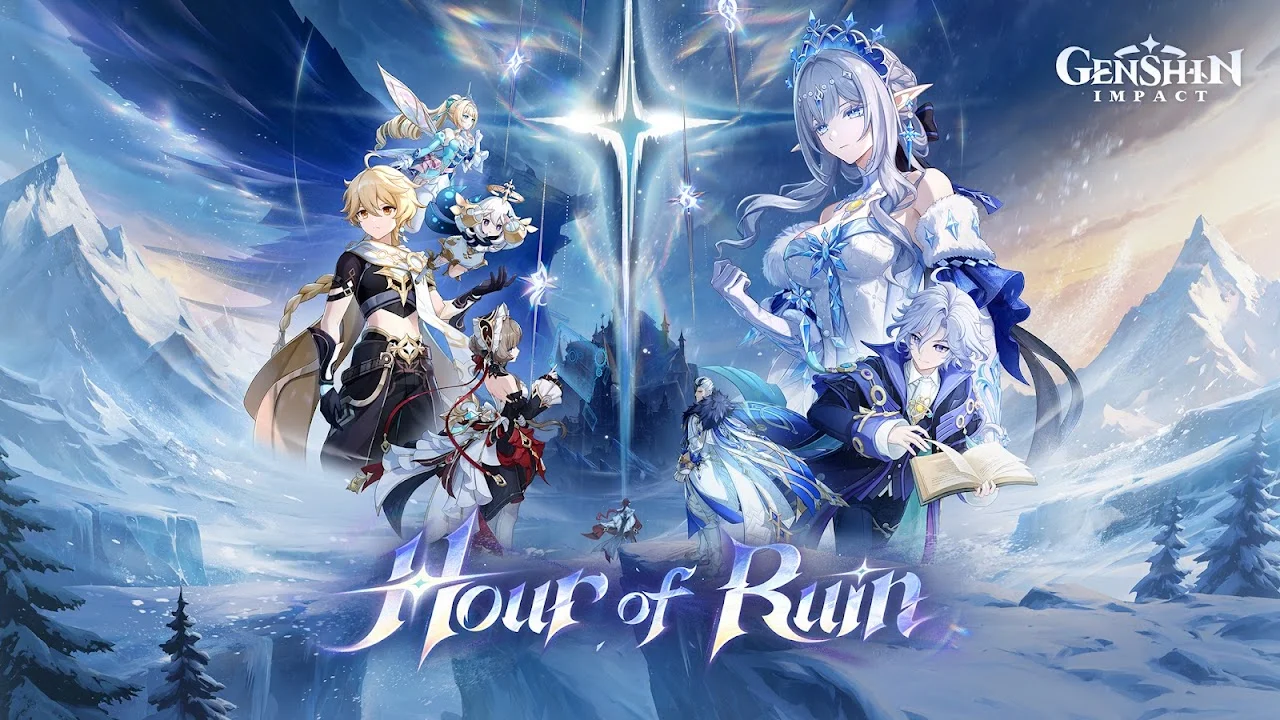
Genshin Impact is a free open-world action RPG, and its latest version, 7.2 “Hour of Ruin”, went live on November 4, 2026. This guide covers what the game is, whether your phone can run it, how to install it safely, and the tips we wish we had on day one.
Everything here points to the official download sources only, because modded or “unlocked” APKs can steal your account or infect your phone.
| Info | Details |
|---|---|
| Game | Genshin Impact |
| Developer | HoYoverse |
| Latest version | 7.2 “Hour of Ruin” (Nov 4, 2026) |
| Genre | Open-world action RPG |
| Price | Free (optional in-app purchases) |
| Android needed | Android 10 or later (12+ recommended) |
| RAM | 4 GB minimum, 6 GB recommended |
| Free storage | Keep 40 GB or more free |
| Also on | iOS, PC, PlayStation 5, Xbox Series X|S |
| Official source | Google Play Store / genshin.hoyoverse.com |
What is Genshin Impact?
Genshin Impact is a story-driven adventure set in Teyvat, a fantasy world split into seven nations, each tied to an element such as Anemo (wind), Pyro (fire) or Electro (lightning). You play as the Traveler, searching for a lost sibling, with the floating companion Paimon at your side.
The game is free to start and finish. Money only speeds up collecting characters and weapons through the “Wish” system; the full story, exploration and events are open to every player.
Version 7.2 continues the Snezhnaya story. The seven nations unite against a shared threat, two new areas open in eastern Snezhnaya, and two Electro characters join: Mitya (5-star, Catalyst) and Valeriy (4-star, Sword). A limited event also lets every player pick one free 4-star character from eight options.
Progress is shared across platforms, so you can start on your phone and continue on PC or console with the same HoYoverse account.
Key features
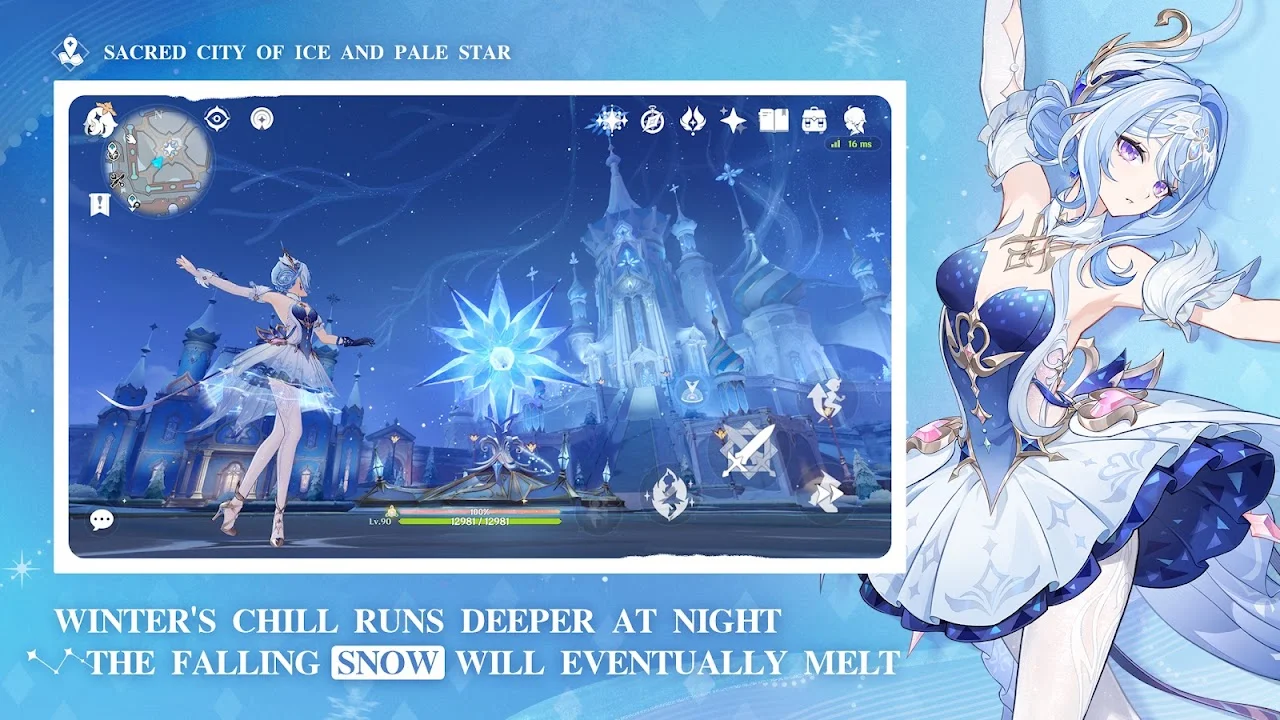
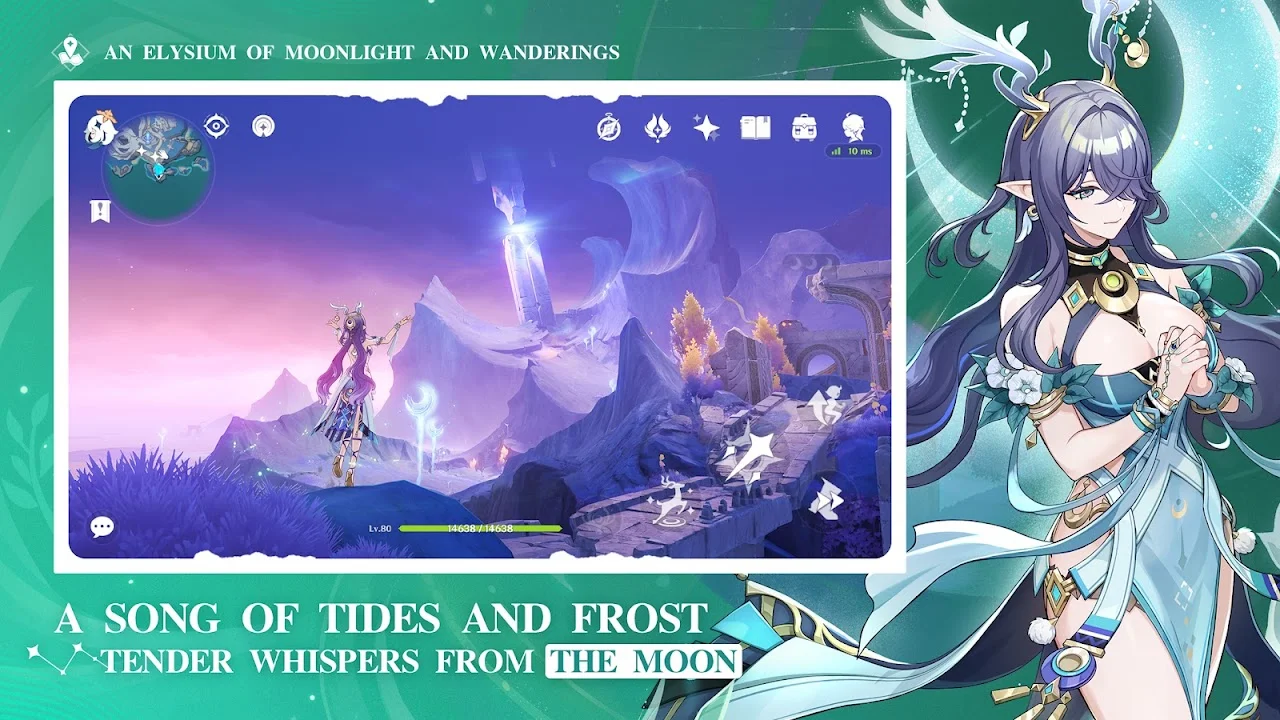
- Huge open world. Climb almost any cliff, glide from mountaintops and swim across lakes. Every region has its own music, culture and puzzles.
- Elemental combat. Switch between four party members mid-fight and mix elements. Water plus lightning, for example, triggers an Electro-Charged reaction that hits harder than either element alone.
- Large character roster. Over 100 playable characters, each with a unique weapon type, element and fighting style.
- Full voice acting. Choose English, Japanese, Chinese or Korean voices and download only the language you use to save space.
- Co-op mode. Explore and fight bosses with up to three friends after reaching Adventure Rank 16.
- Regular free updates. A new version arrives about every six weeks with new story, areas, events and free rewards.
- Controller support. Many Bluetooth controllers work on Android, which makes combat much easier on a small screen.
System requirements for Android
Your phone needs Android 10 or later and at least 4 GB of RAM to run Genshin Impact. For smooth play on medium settings, aim for the recommended specs.
| Spec | Minimum | Recommended |
|---|---|---|
| Android version | 10 or later | 12 or later |
| Processor | Snapdragon 660 / Helio G88 | Snapdragon 855 / Dimensity 1000 / Kirin 980 or better |
| RAM | 4 GB | 6 GB or more |
| Free storage | 40 GB+ (game grows each update) | 50 GB+ |
HoYoverse has warned that some older phones with Mali-G52 MP2, Mali-G57 MP, Imagination BXM or older PowerVR graphics chips may crash, freeze or show a black screen. If your phone uses one of these, try the lowest graphics settings first. Storage figures are estimates based on recent install sizes; check the Play Store page for the current size.
How to download and install Genshin Impact safely
The safest way is the Google Play Store. If Play Store is not available on your phone, use the official APK from HoYoverse’s website.
Method 1: Google Play Store (recommended)
- Connect to Wi-Fi. The first download is very large and will use a lot of mobile data.
- Open Google Play Store and search “Genshin Impact”. Check that the developer shows COGNOSPHERE PTE. LTD. (HoYoverse’s publisher).
- Tap Install and wait for the small app to finish.
- Open the game. It will now download the main game data. Keep the screen on and the phone charging.
- Create or log in to your HoYoverse account, then tap the door to start.
Method 2: Official APK from the HoYoverse website
- Visit genshin.hoyoverse.com in your phone’s browser and tap the Android download button.
- When the APK finishes downloading, open it. Android will ask you to allow “Install unknown apps” for your browser; allow it only for this install.
- Tap Install, then turn the “unknown apps” permission back off in Settings.
- Open the game and let it download the remaining data.
Tip: In the in-game settings, open Resources and delete voice packs you don’t use. This can free several gigabytes.
Beginner tips
- Follow the main story first. Archon Quests unlock key features like co-op, daily commissions and new regions.
- Do your four Daily Commissions. They take about 15 minutes and give Primogems (the premium currency) every day for free.
- Save Primogems for characters you like. Avoid spending them randomly on the standard banner early on.
- Open every chest and Waypoint. Teleport Waypoints save hours of walking, and chests give Primogems and upgrade items.
- Build a small team well. Level up four characters properly instead of ten weakly.
- Lower graphics for battery. On mid-range phones, set FPS to 30 and graphics to Low or Medium to avoid heating.
- Redeem official codes. HoYoverse shares free codes during livestreams before each update. Redeem them only on the official website or in the game settings.
Pros and cons
| Pros | Cons |
|---|---|
| Completely free story and open world | Very large download, keeps growing each update |
| Console-level graphics on a phone | Phones heat up and drain battery fast |
| Fun elemental combat system | Getting specific 5-star characters depends on luck |
| New free content every six weeks | Needs a stable internet connection, no offline mode |
| Cross-save with PC and consoles | Older and budget phones struggle |
Stay safe: avoid modded APKs
Sites offering “Genshin Impact MOD APK”, unlimited Primogems or free 5-star characters are scams. Genshin Impact runs on HoYoverse’s servers, so a modified app cannot change your account. These files often carry malware, and using them can get your account permanently banned. Download only from Google Play or the official website.
FAQ
Is Genshin Impact free to play?
Yes. The full game is free. Purchases are optional and mostly cosmetic or for collecting characters faster.
What is the latest version of Genshin Impact?
Version 7.2 “Hour of Ruin”, released on November 4, 2026.
Can I play Genshin Impact offline?
No. The game needs an internet connection at all times.
Can a 4 GB RAM phone run Genshin Impact?
Yes, if it has Android 10 or later and a supported chip, but use low graphics and 30 FPS.
How much storage does Genshin Impact need?
Keep at least 40 GB free. The game grows with each update, so extra space avoids update failures.
Is the Genshin Impact APK safe?
The official APK from Google Play or genshin.hoyoverse.com is safe. APKs from unknown sites, especially modded ones, are not.
Can I move my progress from phone to PC?
Yes. Log in with the same HoYoverse account on any platform and your progress carries over.
Final verdict
Genshin Impact is one of the best free games you can play on Android in 2026, with a huge world, a strong story and steady free updates. If your phone meets the recommended specs and has enough storage, install it from the official source and start with the main story. On older phones, check the minimum requirements first and lower the graphics settings.