
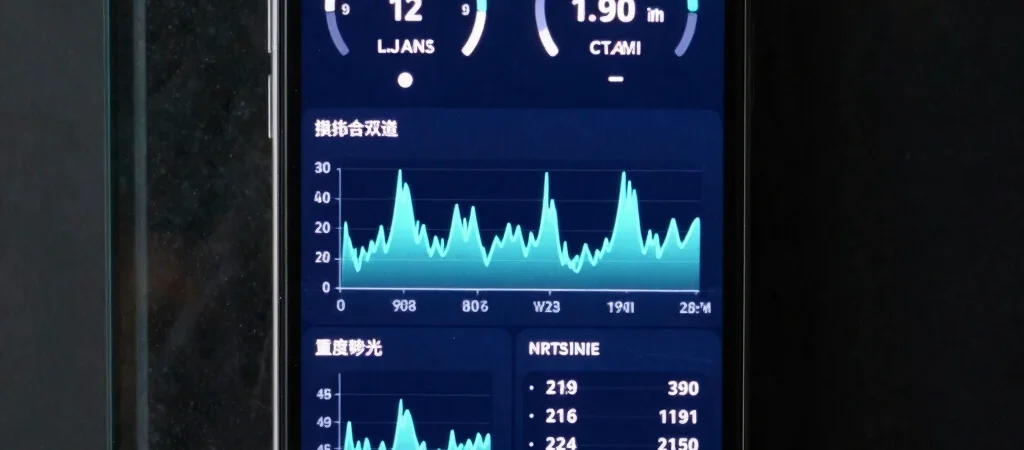
Android game performance can change during a session. A game that feels smooth at launch may stutter later as the scene becomes busier or the phone warms up. This guide explains how to compare settings fairly. It is general guidance, not a report of device benchmarks performed by APKNIKO.
Separate Frame Rate from Network Lag
Low frame rate makes movement look uneven. Network delay can make other players jump around or actions arrive late even when the display looks smooth. Before changing graphics settings, note whether the issue appears offline, online or only in one game.
If a game offers a built-in frame-rate or connection display, use it to add context. Avoid installing an unknown performance overlay that requests broad permissions.
Compare Like with Like
Keep the Test Conditions Consistent
Use the same game version, level, graphics preset and frame-rate limit. Record whether the phone is charging, its battery level and the room conditions. Background downloads and recording can change the workload, so keep those consistent too.
Repeat the same route or scene for a useful comparison. A quiet menu and a crowded multiplayer match are different workloads. One short result cannot describe every situation in a game.
Look at Sustained Performance
Notice whether the game stays smooth after several minutes. Phones can reduce performance to manage heat and power. However, a slowdown does not automatically prove thermal throttling: asset loading, background activity or game bugs can also cause it.
Without suitable measurements, describe what you observed rather than inventing precise temperatures or frame rates. A useful review separates measured results from impressions.
Adjust One Setting at a Time
Start with the game’s supported graphics presets. Lower resolution, shadows or effects one step, then repeat the same scene. Keep the setting that provides a useful improvement without making the game hard to read. Effects vary by game and device.
A lower, sustainable frame-rate limit can feel more consistent than a higher target the phone cannot maintain. Your display’s refresh rate and the game’s frame-rate limit are related but different settings. Setting both to their highest values does not guarantee smoother play.
Manage Heat Sensibly
Use the phone in a ventilated place away from direct sunlight. If it becomes uncomfortable to hold or shows a temperature warning, stop the game and follow the manufacturer’s guidance. Do not use a refrigerator, ice or water to cool it.
Charging while playing can add heat on some devices. Compare your experience with and without charging when practical, but follow the phone and charger manufacturer’s instructions. Do not disable thermal protection or use tools that promise to force maximum clocks.
Check Storage and Compatibility
Low free storage can interfere with updates and resource downloads. However, deleting random system folders is not a performance fix. Read our Android compatibility and storage guide before changing app data.
Use supported releases from a verified source. The Complete Guide to APK Downloads explains source checks, and the APK safety guide covers permissions and suspicious modified builds.
What to Record Before Asking for Help
Write down the phone model, Android version, game version, settings and a short description of the problem. Include whether it begins immediately or after extended play. Do not share passwords, account tokens or private notifications in a recording.
Frequently Asked Questions
Will a modified APK increase frame rates?
A modified package is not a reliable performance solution. It may introduce security, stability or account problems. Try supported settings and official updates first.
Does a warm phone always have a fault?
Phones can warm during demanding use. Follow any temperature warning and manufacturer guidance, especially if heat is unusual or occurs during light use.
Should every phone use the same graphics settings?
No. Device capabilities, game updates and personal preferences differ. Test one change at a time and choose a stable result for your phone.